







What else Apploye,
offers consulting teams
Online timesheets · Time & project reports · Timesheet approval · Payroll management · Project budget tracking · Mobile time tracking · App & website tracking · Activity tracking
Key Features


Use Cases


Explore
No credit card required
Free up to 10 users
Cancel anytime



.webp)

.webp)
.webp)

.webp)





.webp)

Join 29,000+ Organizations













Enter your email and organization name. No credit card required.

Create a client for each engagement, and set rates per client or per project where they differ.

As hours get tracked and categorized, invoicing and utilization reporting update automatically.
1. Create Your Account
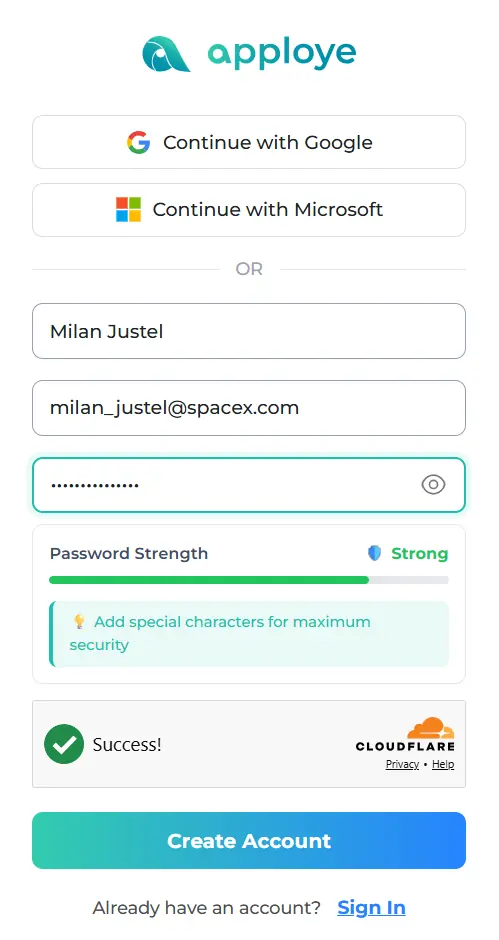
Enter your email and organization name. No credit card required.
2. Add Your Clients and Set Rates
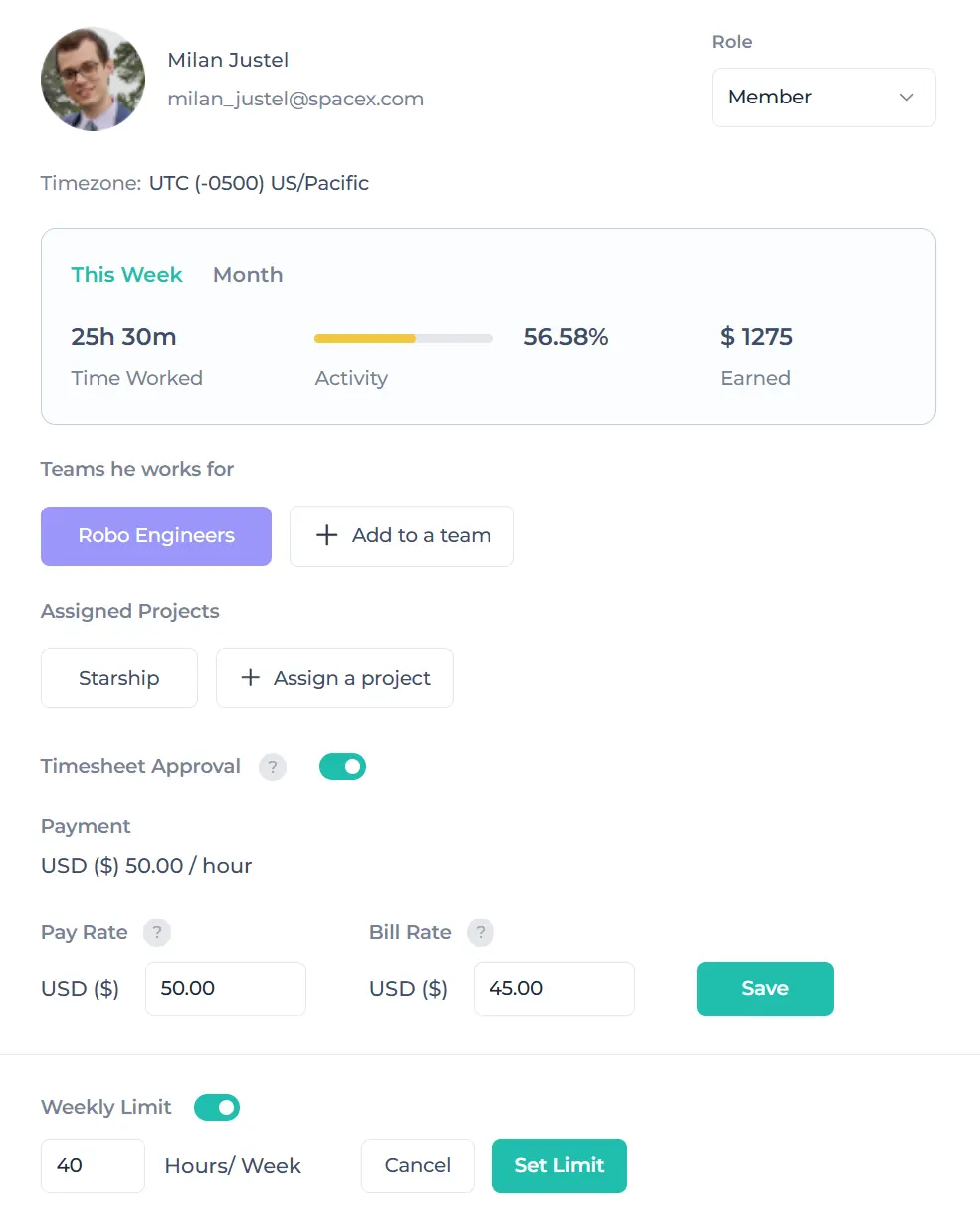
Create a client for each engagement, and set rates per client or per project where they differ.
3. Track Time and Invoice Directly
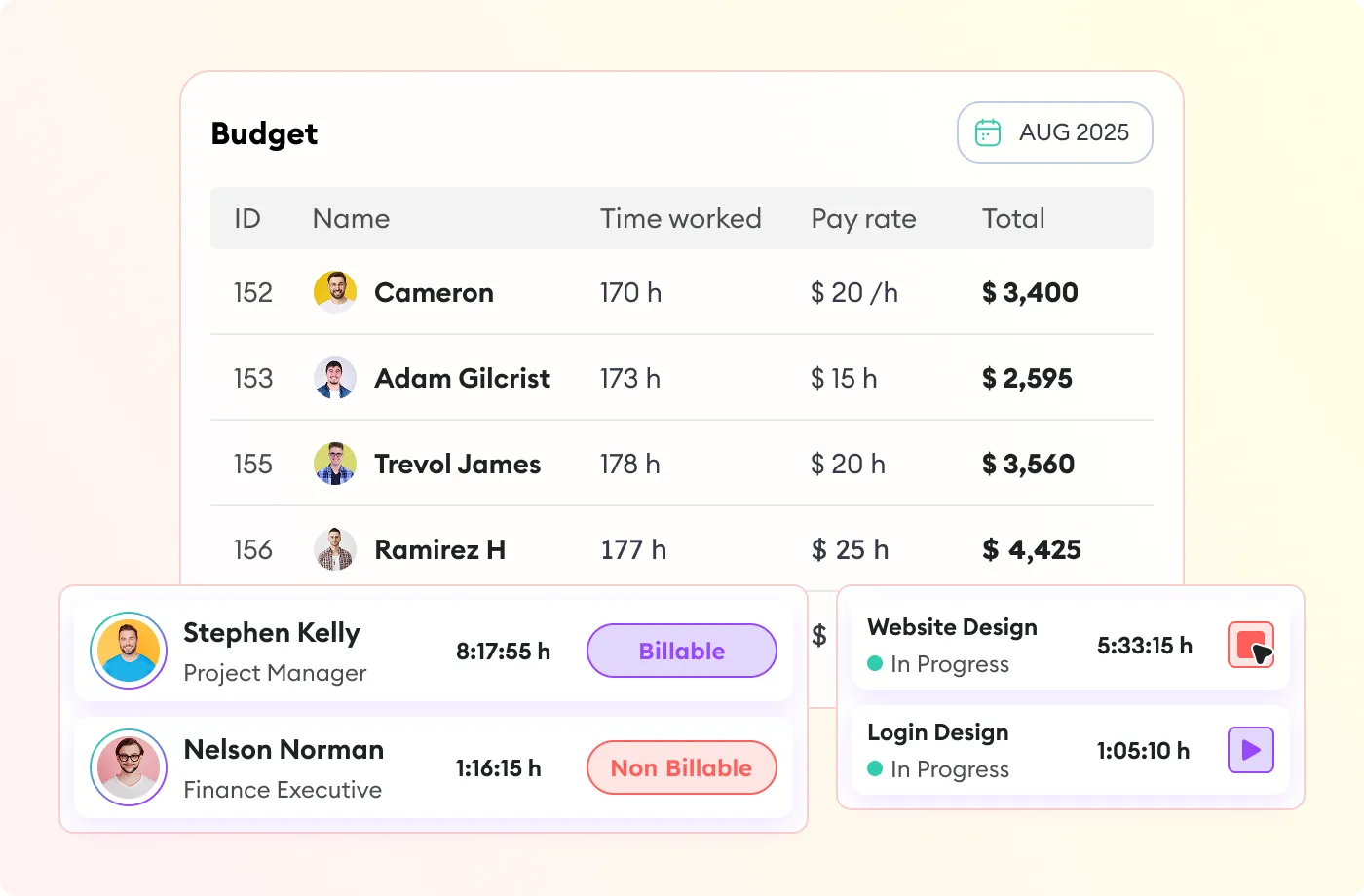
As hours get tracked and categorized, invoicing and utilization reporting update automatically.

Every tracked hour gets categorized as billable or non-billable, automatically, so nothing gets reconstructed from memory when it's time to invoice.
Different clients, different rates. Apploye applies the right one automatically as time is tracked.

Turn tracked hours into client invoices without exporting to a separate billing tool.

See what percentage of tracked time is actually billable, per consultant or firm-wide, instead of a rough guess at the end of the month.

Manage the work alongside billing and tracking all your hours.
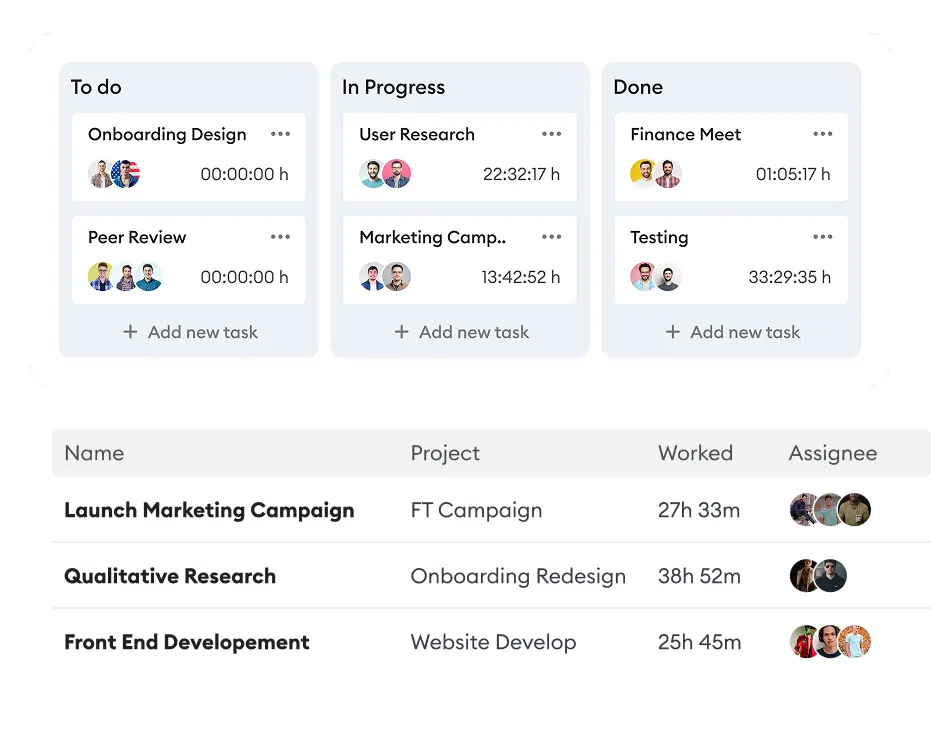

A real-estate firm billing by the hour per case replaced manual notes with tracked time. Internal disputes over logged hours largely stopped, because there was finally a record to point at instead of two conflicting recollections.

HubXpert manages a hybrid team across two countries and more than 150 projects.

A 1,000+ person accounting firm used to split hours by billable status, client, and project by hand before every billing cycle. Now billing reads from a record that's already sorted.
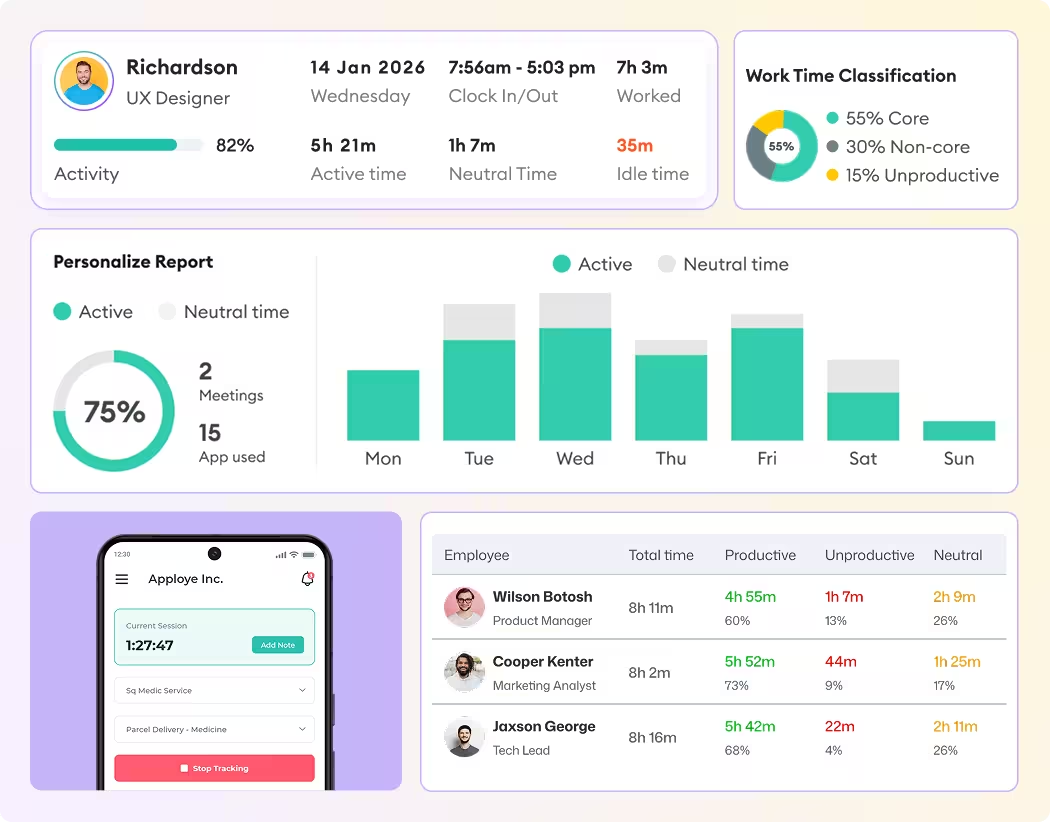
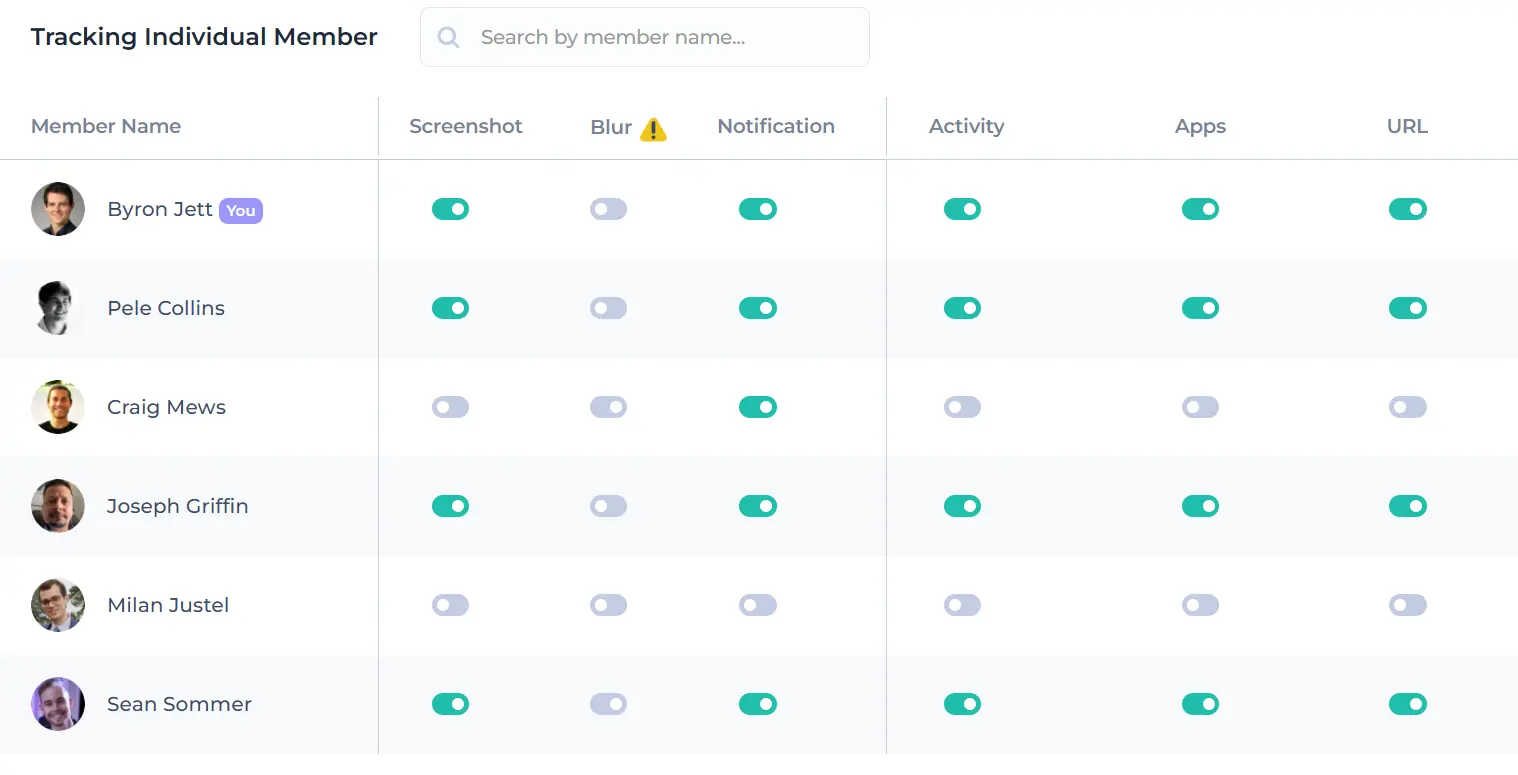
Some firms need proof of work for distributed consultants or contractors. Others don't want it anywhere near their team. You can turn screen monitoring off, turn it on, or adjust the frequency.
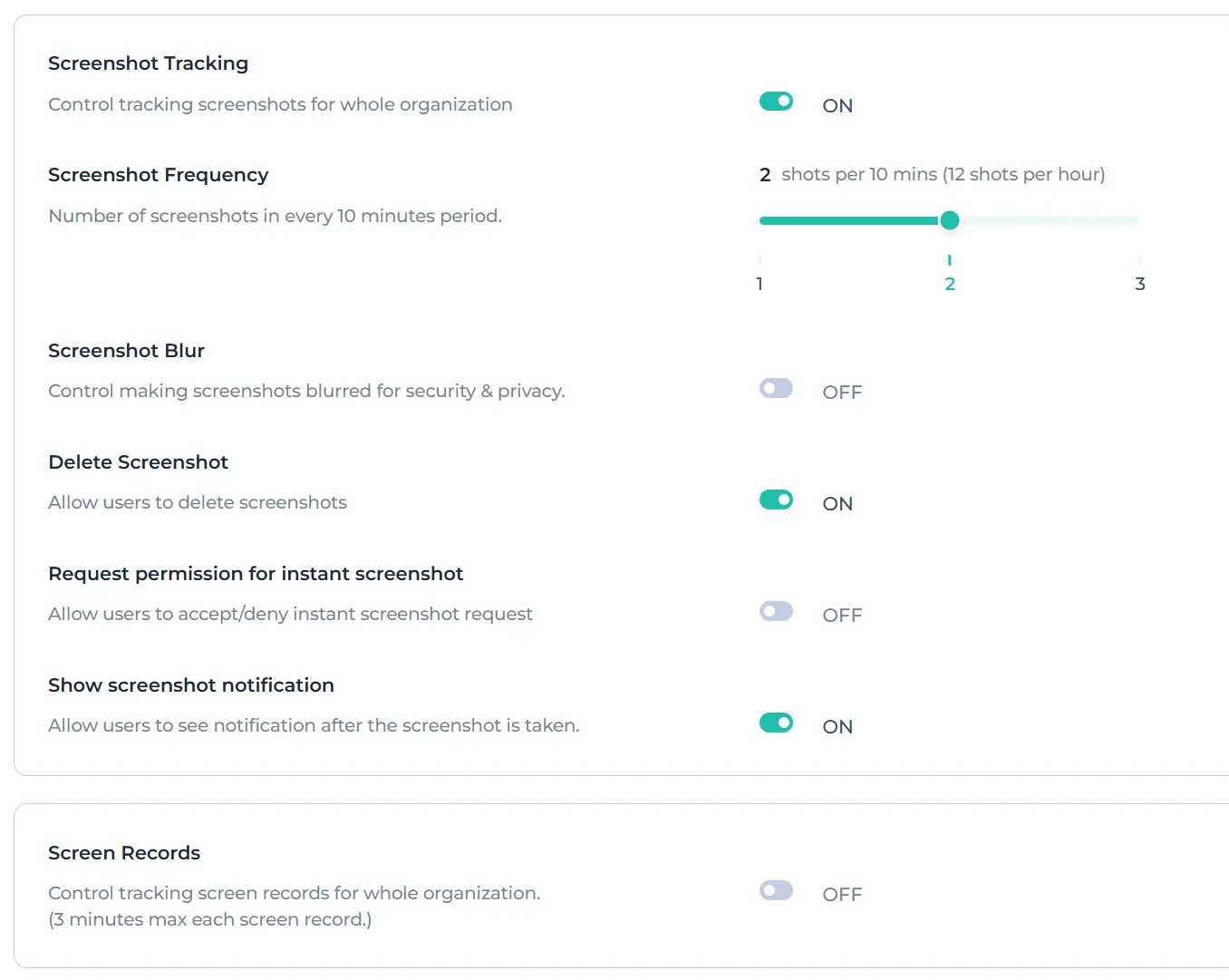
Activity tracking measures active and idle periods during tracked hours. It does not record what anyone types.
Apploye is GDPR and HIPAA-compliant. Consulting firms working under client confidentiality agreements can point to that in a security review without escalating it.
The free plan is for up to 10 users, with no time limit and no credit card. Paid plans start at $4.50/user/month.
Utilization rate is the share of tracked time that is billable.
Utilization rate = (billable hours ÷ total tracked hours) × 100
A consultant who tracks 40 hours in a week and bills 30 of them has a 75% utilization rate. Most consulting firms target somewhere between 60% and 80% for billable staff, lower for those carrying internal or business development responsibility.
Billable vs. non-billable: billable hours are hours a client is invoiced for delivery work, client meetings, and research tied to an engagement. Non-billable hours are real work that no client pays for directly: internal meetings, proposal writing, training, admin.
Online timesheets · Time & project reports · Timesheet approval · Payroll management · Project budget tracking · Mobile time tracking · App & website tracking · Activity tracking
Both. A solo consultant uses the same client, rate, and invoicing setup as a full firm; there's no minimum seat count, and the free plan covers up to 10 users, so most small firms never hit a paywall.
Yes. Rates can be set at the client level or the project level, and Apploye applies the correct one automatically as time is tracked. You don't look up or apply rates manually at invoicing time, which is where most rate errors happen.
Yes. Tracked hours convert into a draft invoice inside Apploye that you preview, adjust, and send without exporting to a separate billing tool. Invoices can be sent once or set up as smaller recurring amounts, and exported as a PDF.
Yes. Once hours are categorized as billable or non-billable, the utilization report calculates the percentage automatically, per consultant or firm-wide. You can view it over weeks, months, or quarters to see whether someone is consistently overloaded or underutilized.
No. Both are optional and off by default. You can run Apploye as pure time tracking and invoicing, enable screenshots only for specific contractors, or adjust how often they're captured.
Yes. Create separate projects and tasks under each client, then track time and budgets for each independently. Reports break hours down by client, project, team member, or date range.
Stop reconstructing timesheets at month-end
Track hours as they happen, bill the right rate automatically, and invoice from the same place.
No credit card required
