







Your team has potential,
we help you maximize it, Efficiently.
Manage teams, projects, and clients without any stress. You're just one click away.
Key Features


Use Cases


Explore
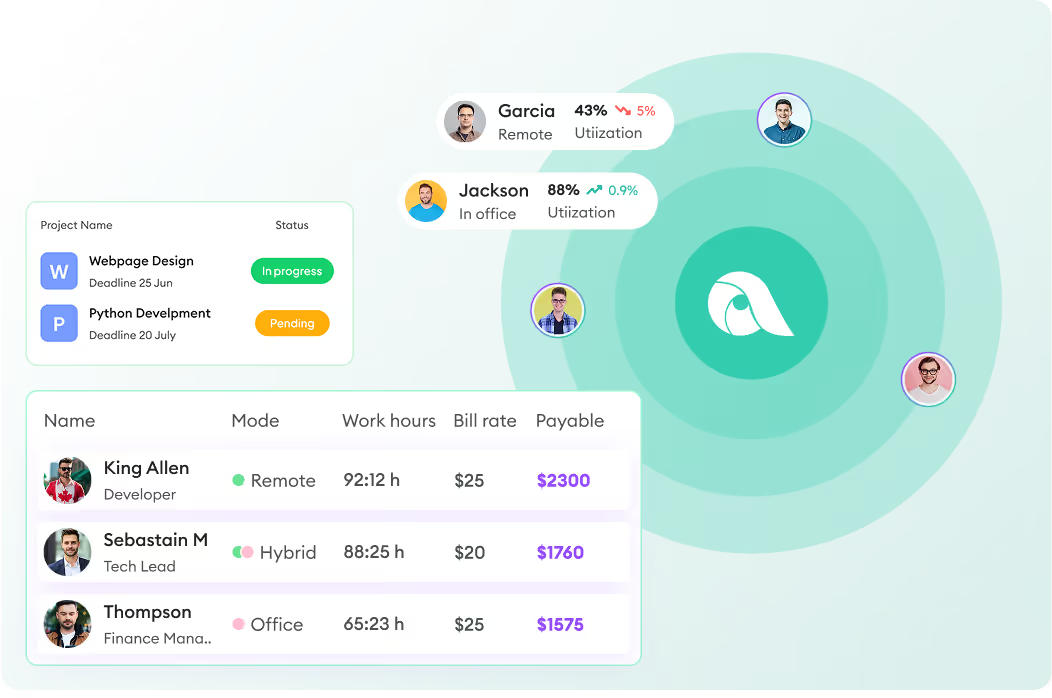
Monitor how your remote and hybrid teams spend their time, compare their productivity, and benchmark performance. Automate payroll, manage projects, track performance - all from one platform.

GDPR Compliant

HIPAA Compliant




GDPR Compliant
HIPAA Compliant
1,400+ Companies 10,000+ Users 70+ Countries













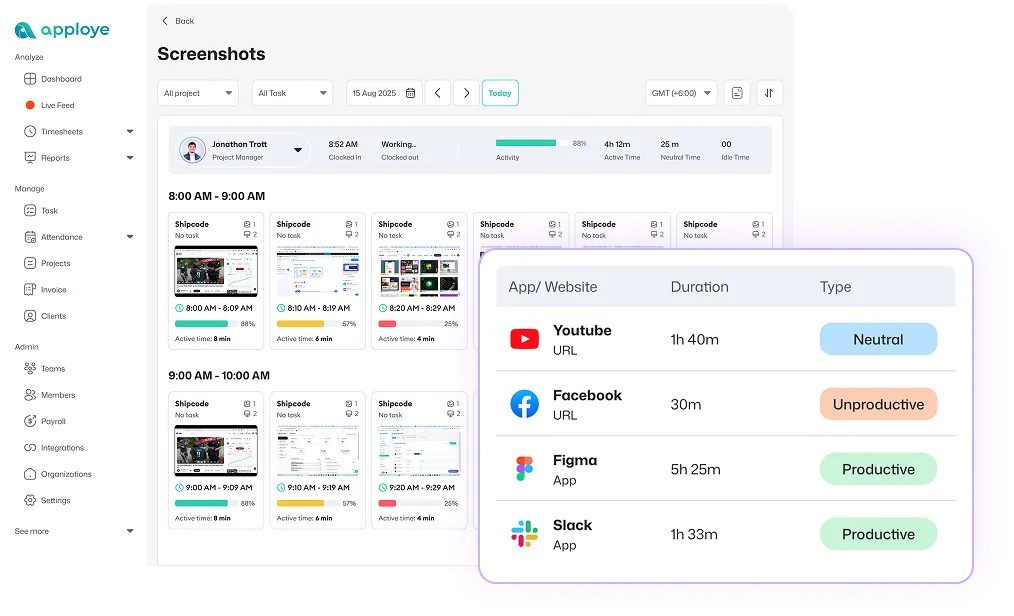
Track remote employee clock-in, how long they work, which apps and websites they use, how active they are, and what was happening during the tracked time through screenshots and screen recordings.
Start tacking now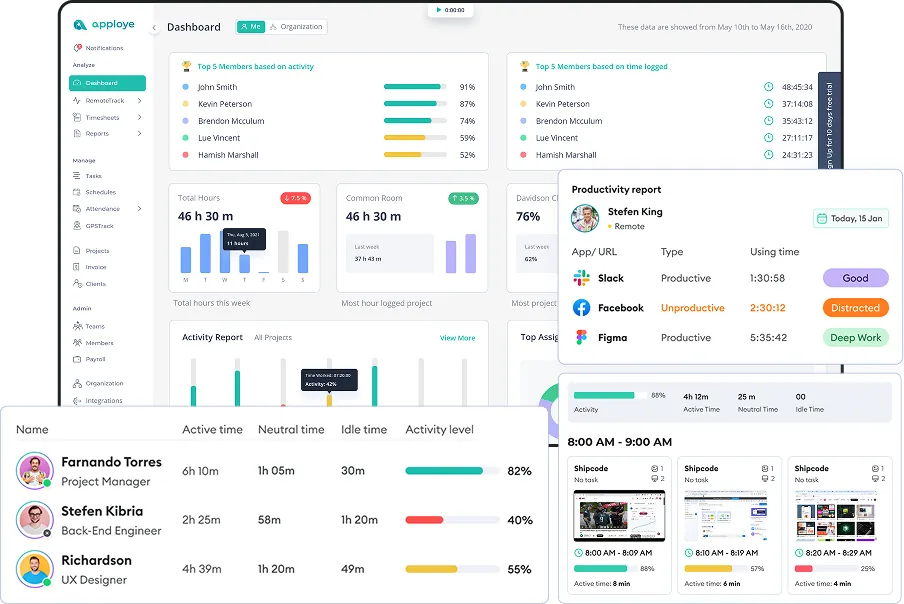
Use productivity tracking, workforce analytics, active vs. idle insights, and detailed reports to spot trends, reduce distractions, and make better decisions about performance and workload.
Explore your analytics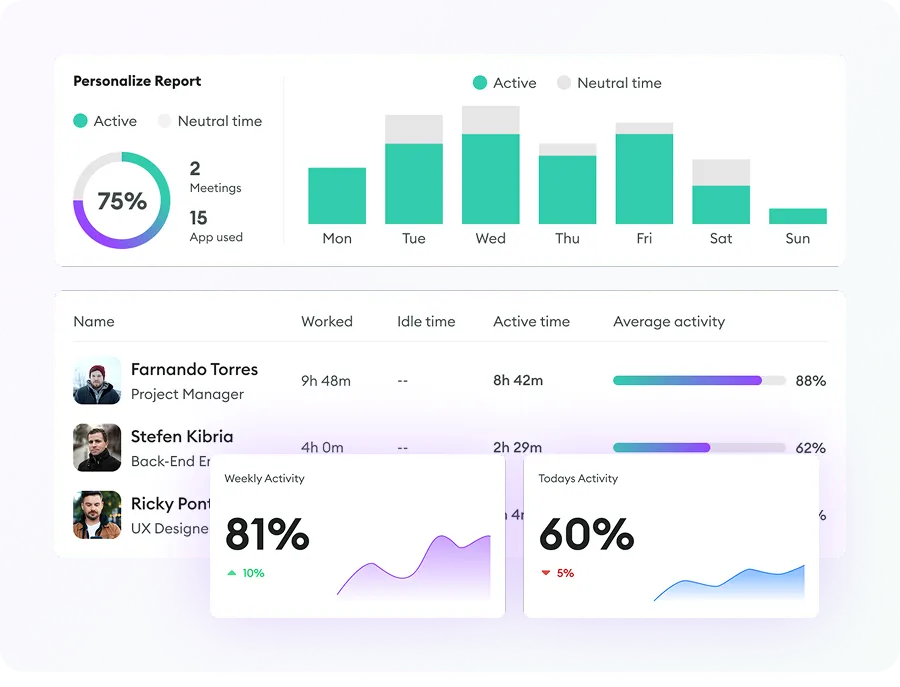
Review daily, weekly, monthly, or custom timesheets, check clock-in/out and attendance, manage leave, and calculate payroll from actual work done.
Automate payroll today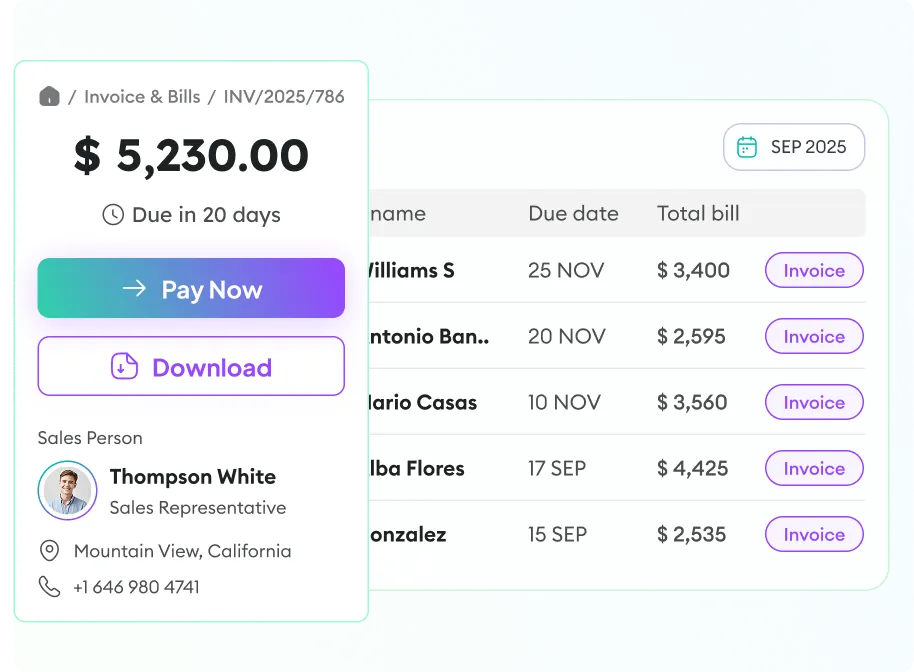
Track time by project and task, view budgets and spent hours, manage billing, and invoice clients - all from a single tool.
Track project profitability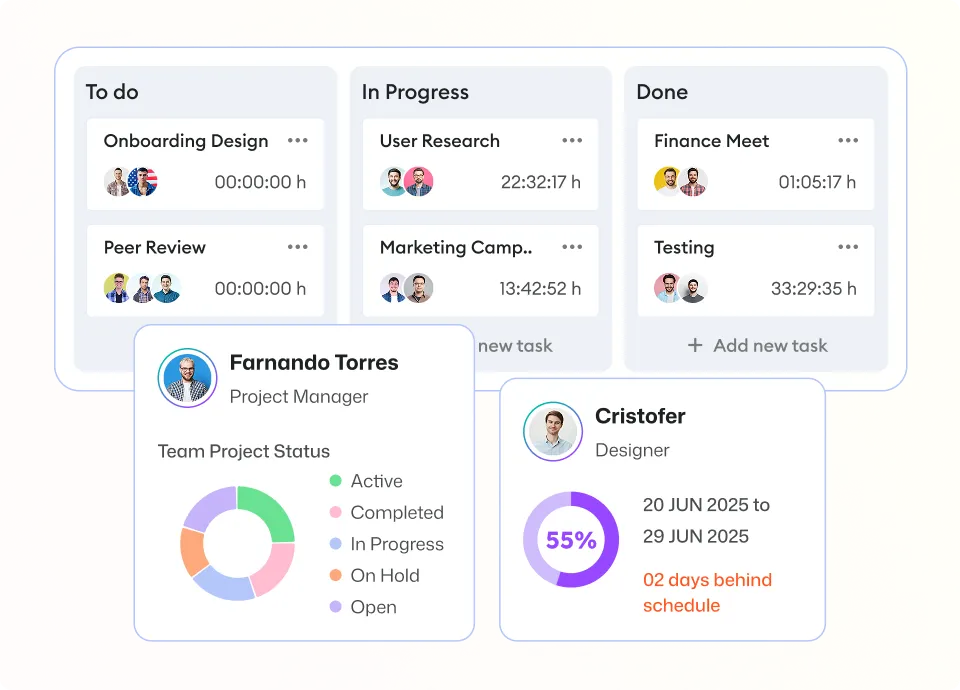
Apploye supports remote, in-office, and hybrid work styles, and its full employee monitoring suite helps observe your remote teams both transparently and in stealth mode.
Build team trust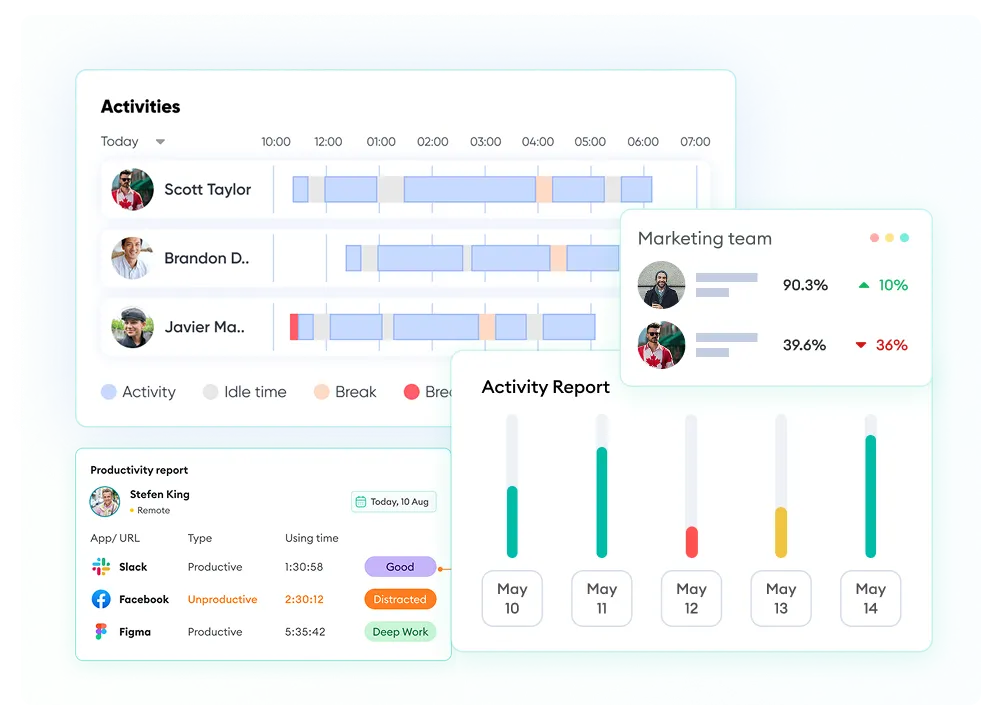
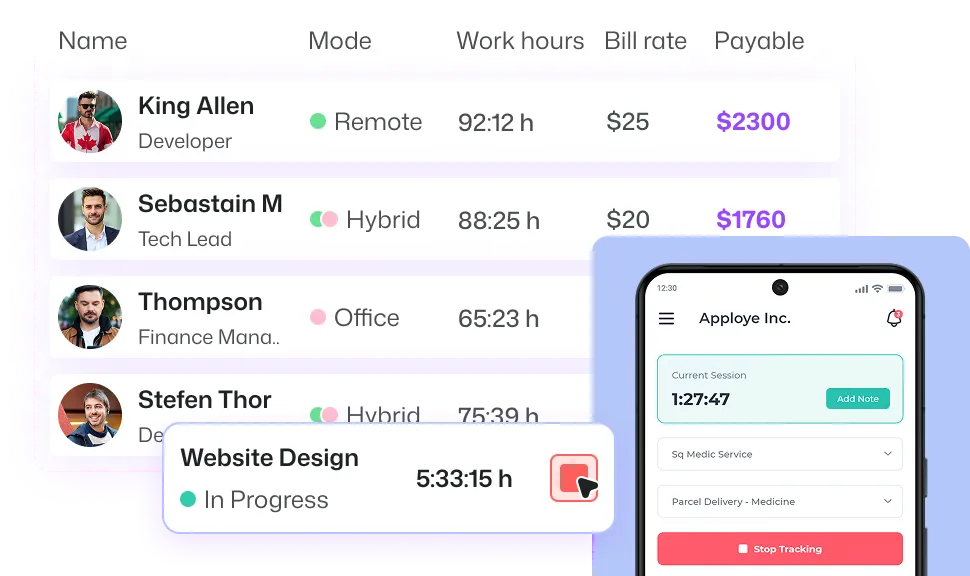
Improve team productivity with time tracking software for remote workers. Plus, you can see how projects are going with live updates on hours worked, pay, and more—all from your dashboard that you can change to fit your needs.
Review screenshots, screen recordings, app usage, website usage, keyboard & mouse activity levels, and active/idle time to understand how work gets done.
Use clock-in/clock-out, daily to monthly timesheets, attendance logs, and leave tracking to keep records clean and approvals faster.
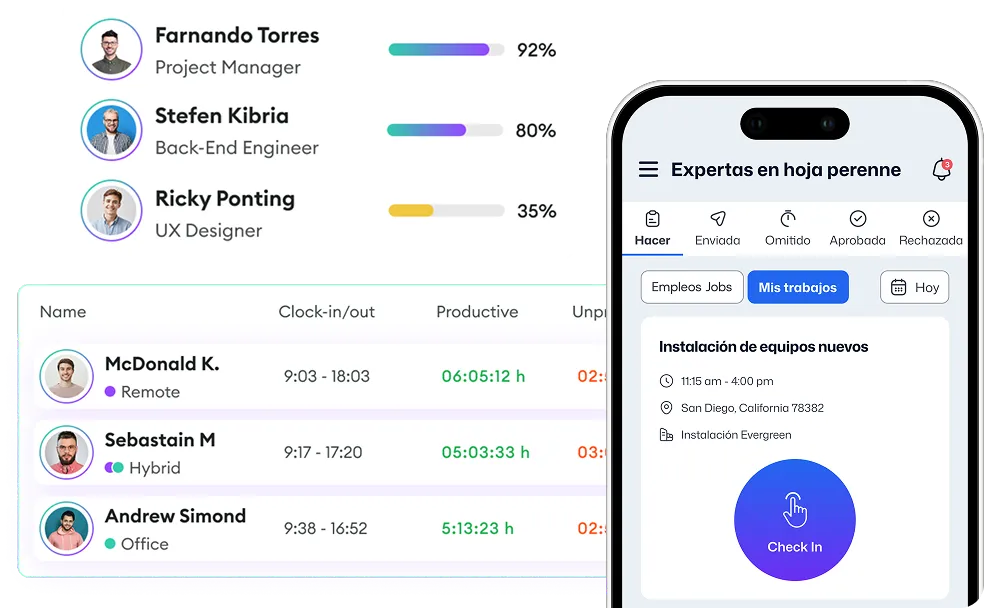
Make capacity planning easier so you can change budgets, stop bottlenecks, and quickly understand how distributed teams work. Keep clients updated with detailed reports. These reports help you predict what your team can do, spread out work across different time zones, and make better schedules.
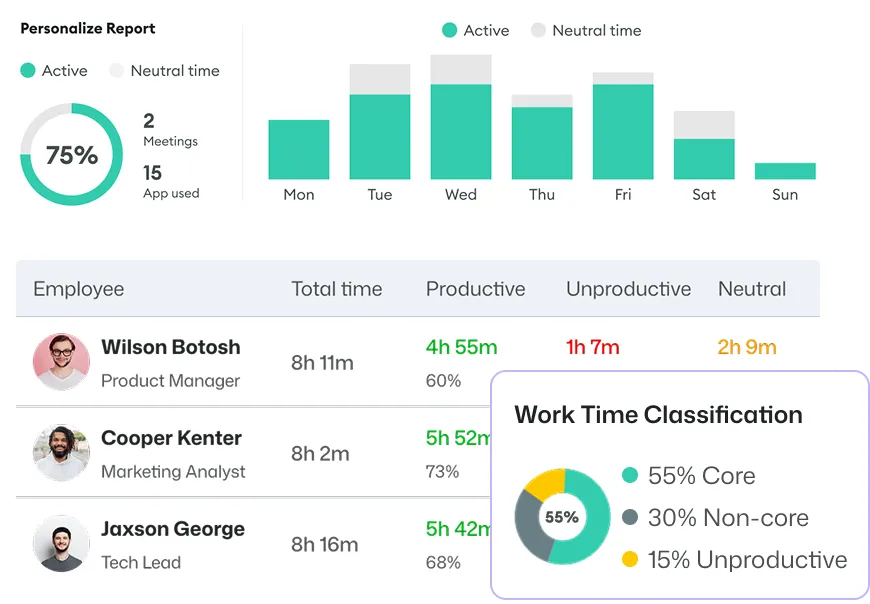
Calculate payroll from tracked time, track billable hours, set project billing, and create invoices automatically; no manual work needed.
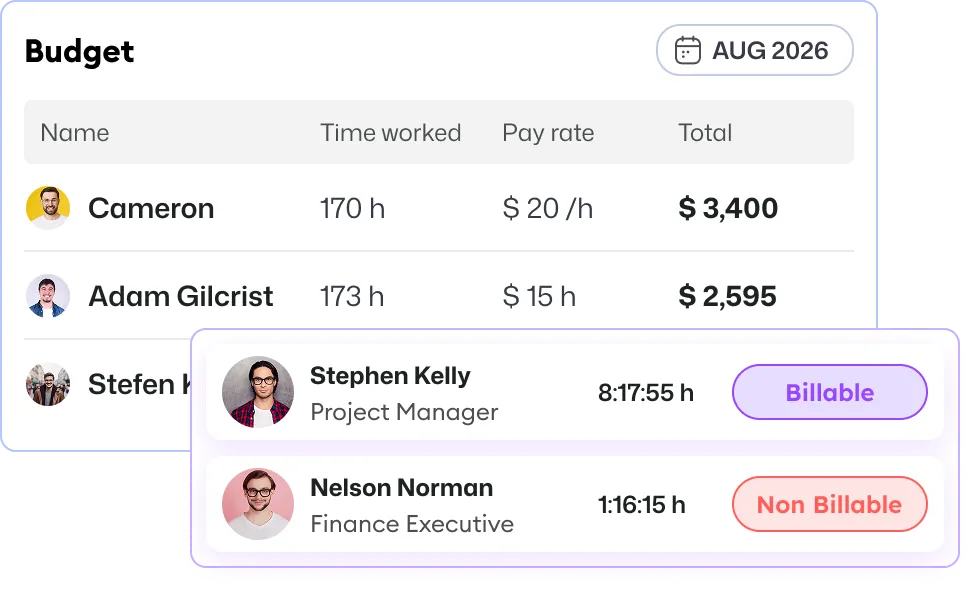
Keep track of your project costs and work hours with Apploye's built-in tracking features. Create and send invoices, budget reports, and more to stay organized and on budget.

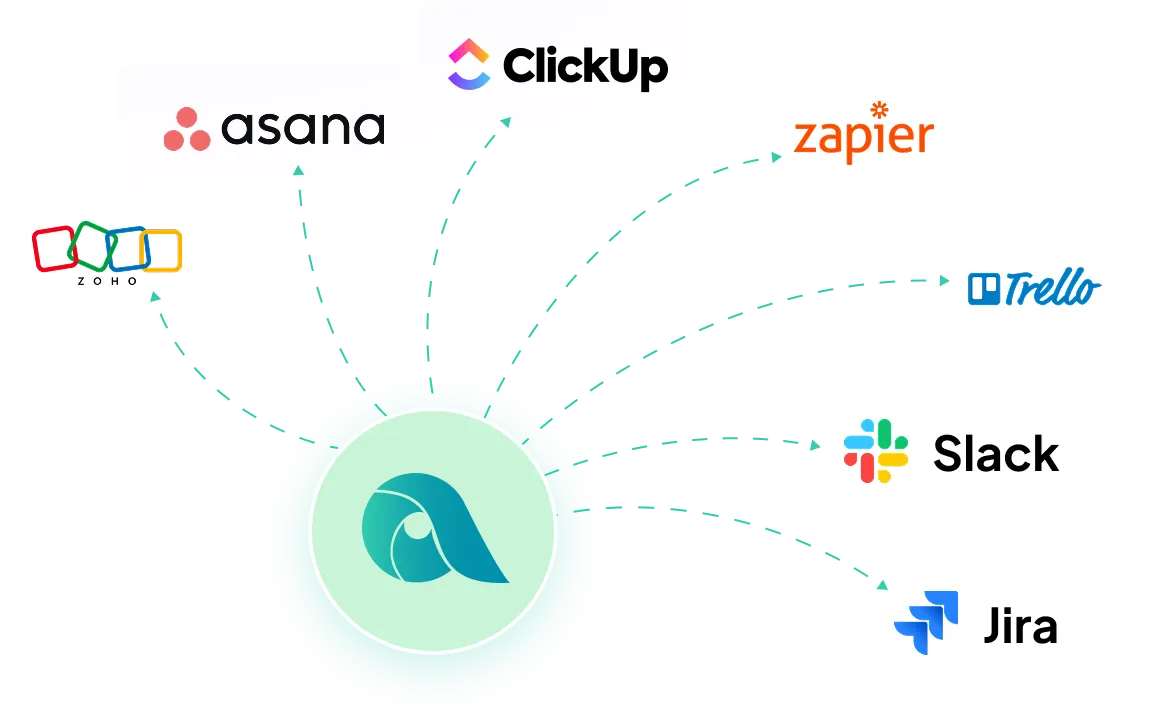

Just enter your email and a new password to sign up, then enter your organization name, and download the app. That's all. No credit card required, no lengthy forms.

Bring your employees, freelancers, or contractors into Apploye and have them install the app on desktop or mobile, or track via Chrome.

Track time, review productivity and activity, approve timesheets, export reports, and run payroll or billing from one dashboard.
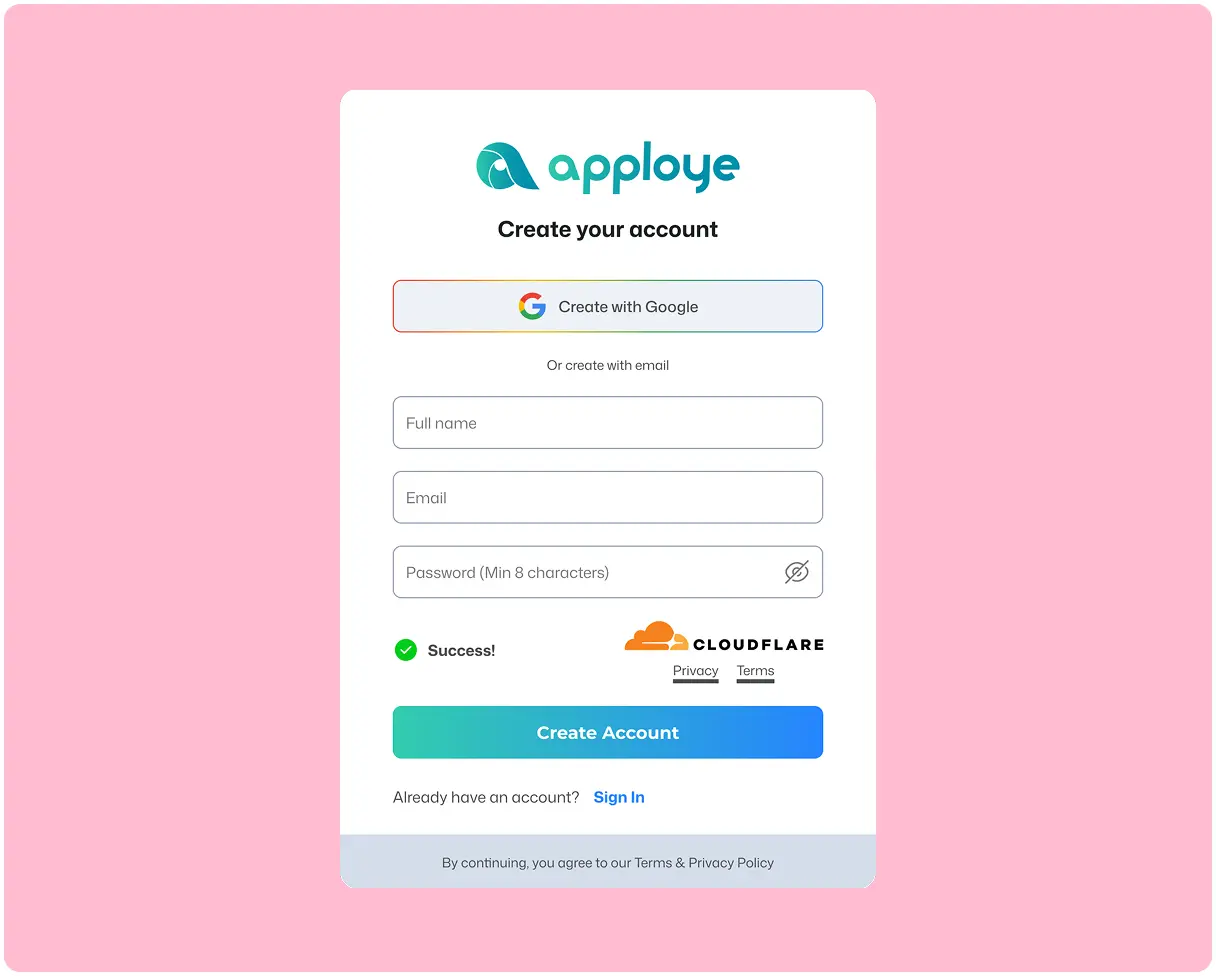
Create Your Workspace
Just enter your email and a new password to sign up, then enter your organization name. That's all. No credit card required, no lengthy forms.
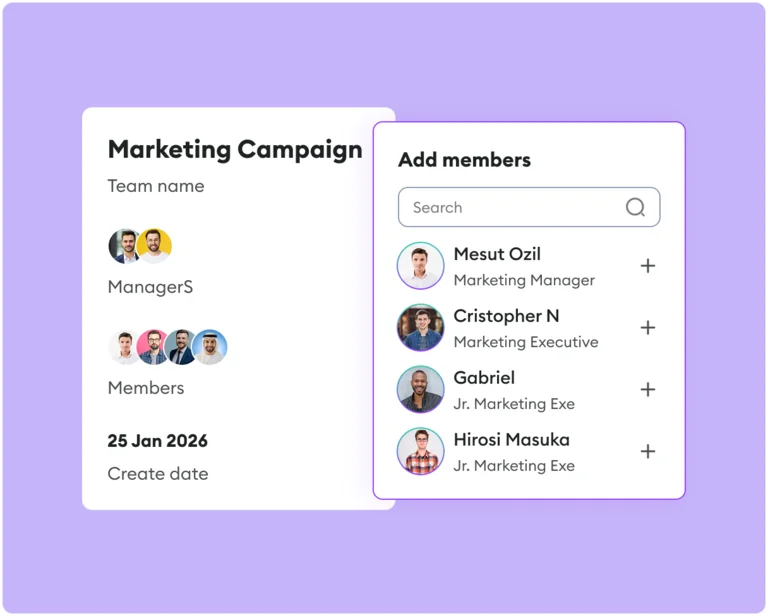
Invite Your Team
Bring your employees, freelancers, or contractors into Apploye and have them install the app on desktop or mobile, or track via Chrome.
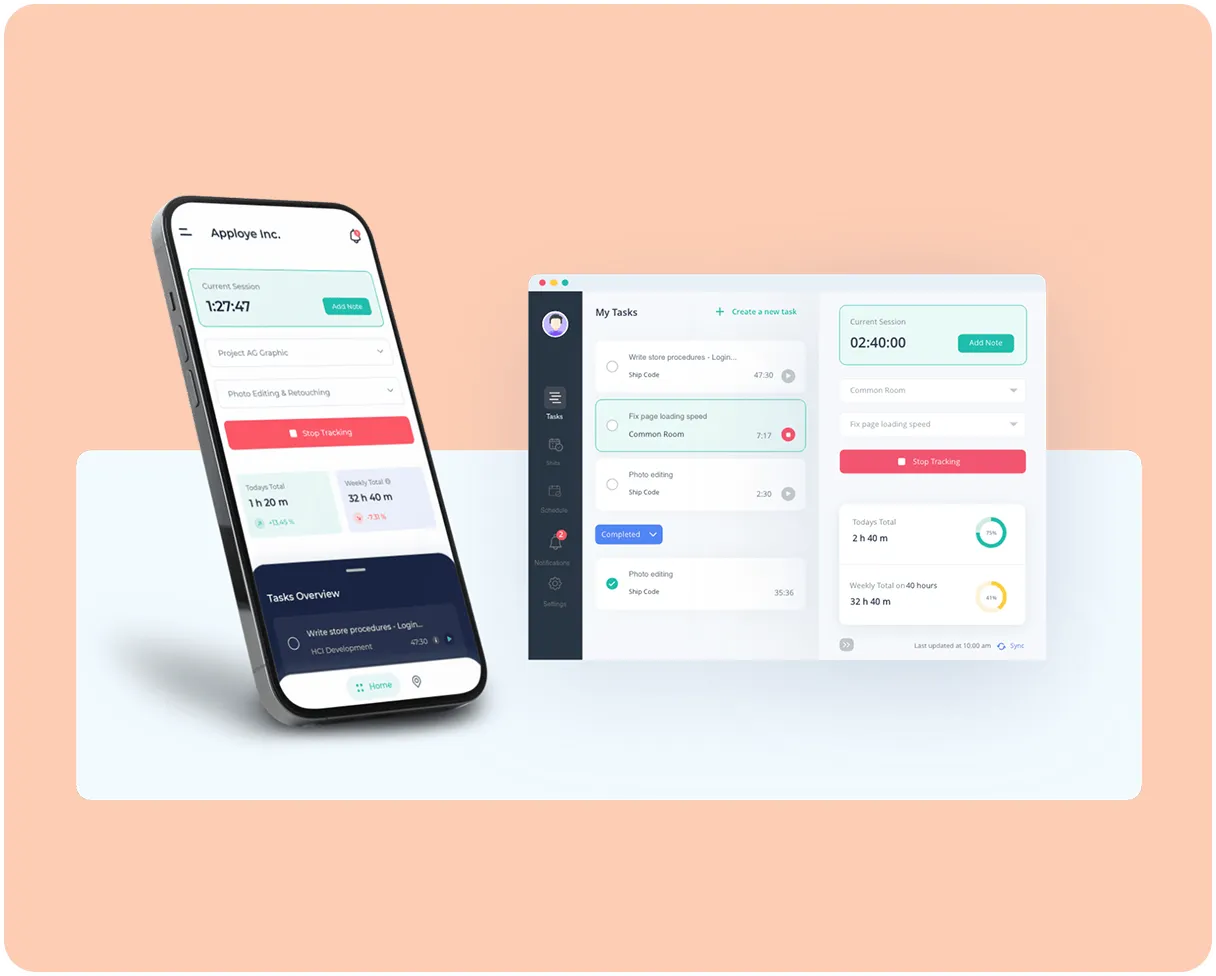
Start Tracking & Managing
Track time, review productivity and activity, approve timesheets, export reports, and run payroll or billing from one dashboard.
What's stopping you if you can start for FREE?

1,400+ Remote and Hybrid Companies are using Apploye
"Awesome for Remote Working"
Great for planning and tracking the productive time spent by the development & sales team on different projects and activities. Perfect for understanding what the real cost of implementing a project inside the team. The UI is friendly, you quickly understand how to use the product, and perks like offline sync make it seamless to use.

"Great for Managing Remote Teams"
Apploye made handling remote teams easy. I can track my team's work without being in the room. Plus, my team members know their efforts are not going unnoticed. It improved my remote team's productivity.
"Managing Remote Team Made Much Easier"
Before using Apploye, managing my remote team felt like guessing. I didn’t really know who was working on what or how things were going. Now, I can see how my team is working, which helps me plan better, set fair deadlines, and make sure no one is getting overwhelmed. It’s made us more productive and completely solved our problem with tracking remote work.
"Effortless Remote Monitoring with Sleek Simplicity"
I like that Apploye is simple with screen captures, making it easy to monitor remote developers. There isn't too much complexity in how to review, which I find helpful. I also appreciate the sleek web format of Apploye, and it was easy to migrate from Hubstaff.
"Empowers Remote Teams with Efficient Time Management"
I like using Apploye for time management and screenshot reports. It's been a good experience and gives me good results. Managing a remote worker and tracking time was easy, which helped increase productivity a lot. It's very easy to set up, too.
"Useful Tool for Remote and Onsite Teams"
I had a great experience using the platform, it's easy to use and able to manage the time in and time out of all our employees. It's very affordable and easy to use time tracking platform. Great in managing the teams attendance and screenshots.
"A Simple Yet Powerful Time Tracking Tool for Remote Teams"
Apploye has a clean, user-friendly interface with accurate time tracking, real-time activity monitoring, and helpful screenshots. It’s great for managing remote teams and offers strong features at an affordable price.
"Useful Tool for Remote Teams!"
We used it to track the daily timesheet of our team and see how much time each task takes us to complete, so we could improve our planning activities later. If you manage remote teams or working in one, Apploye is really the thing to go for.
"Best Remote Employee Tracking App"
Due to current market dynamics, we had to transition from onsite work to remote work. Most of our employees are working from home now Apploye came in very handy to track the work of our remote employees. Employee scheduling and monitoring features inbuilt within the app have increased our team productivity.


ADD-ONS Included
More Screenshots
API Access





Manage teams, projects, and clients without any stress. You're just one click away.

Apploye combines time tracking, activity monitoring, screenshots, workforce analytics, timesheets, attendance, reporting, payroll/invoicing, and project controls in one platform. All these features make it a strong fit for managing distributed teams.
Yes. Apploye explicitly supports remote, in-office, and hybrid work styles and offers desktop, mobile, web, and Chrome-based tracking.
Yes. The platform ties tracked time to timesheets, payroll calculation, project billing, and invoicing, which helps reduce manual admin and improve accuracy.
With Apploye, employees need to manually start the app to begin tracking. This makes the process fully transparent rather than spying.
Yes. Apploye supports detailed reporting and exports, including PDF, CSV, and Excel.
Yes. Apploye advertises a free 10-day trial with no credit card required.