Employee Monitoring Software to Detect Suspicious Activity

Monitor screenshots, app and website usage, idle time, activity levels, and unusual work patterns. Spot fake activity, distractions, and productivity issues faster.

What Do You Want To Monitor? • Prepare Your workspace
Activity Tracking Time Tracking Apps & URL Tracking Screenshots Productivity Live Feed Projects Dashboards
Forbes Advisor 2025
USA Today
Business Insider
Forbes Advisor 2026
Entrepreneur
Capterra
G2
GetApp
Software Advice
GDPR
HIPAA
SOC 2
ISO

Join 29,000+ Organizations

Complete Monitoring System for Remote & Hybrid Teams
Employee Monitoring
Productivity & Performance
Attendance Monitoring
Advanced Reporting
Security & Compliance
Screenshot Monitoring
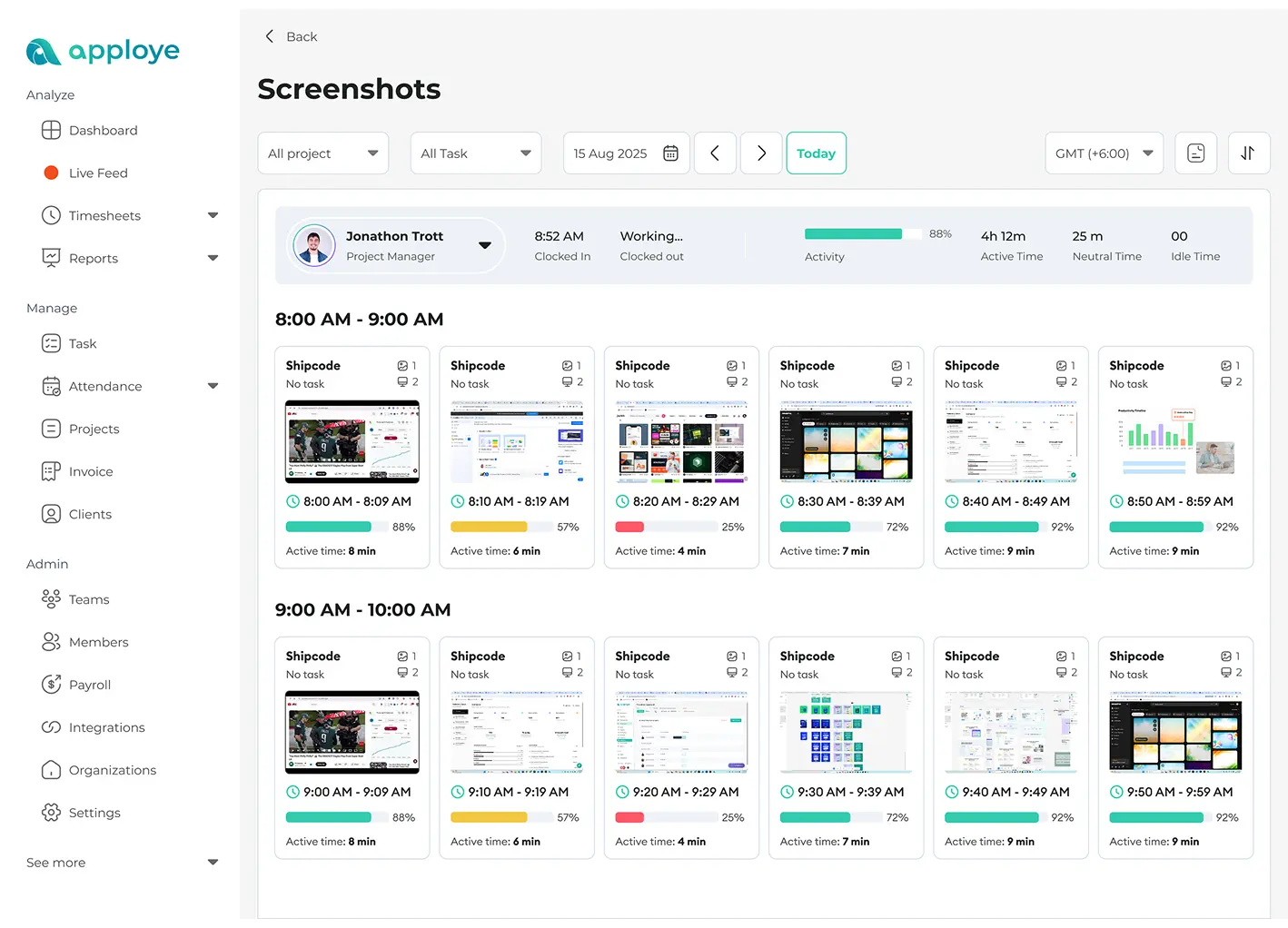
Screenshot monitoring
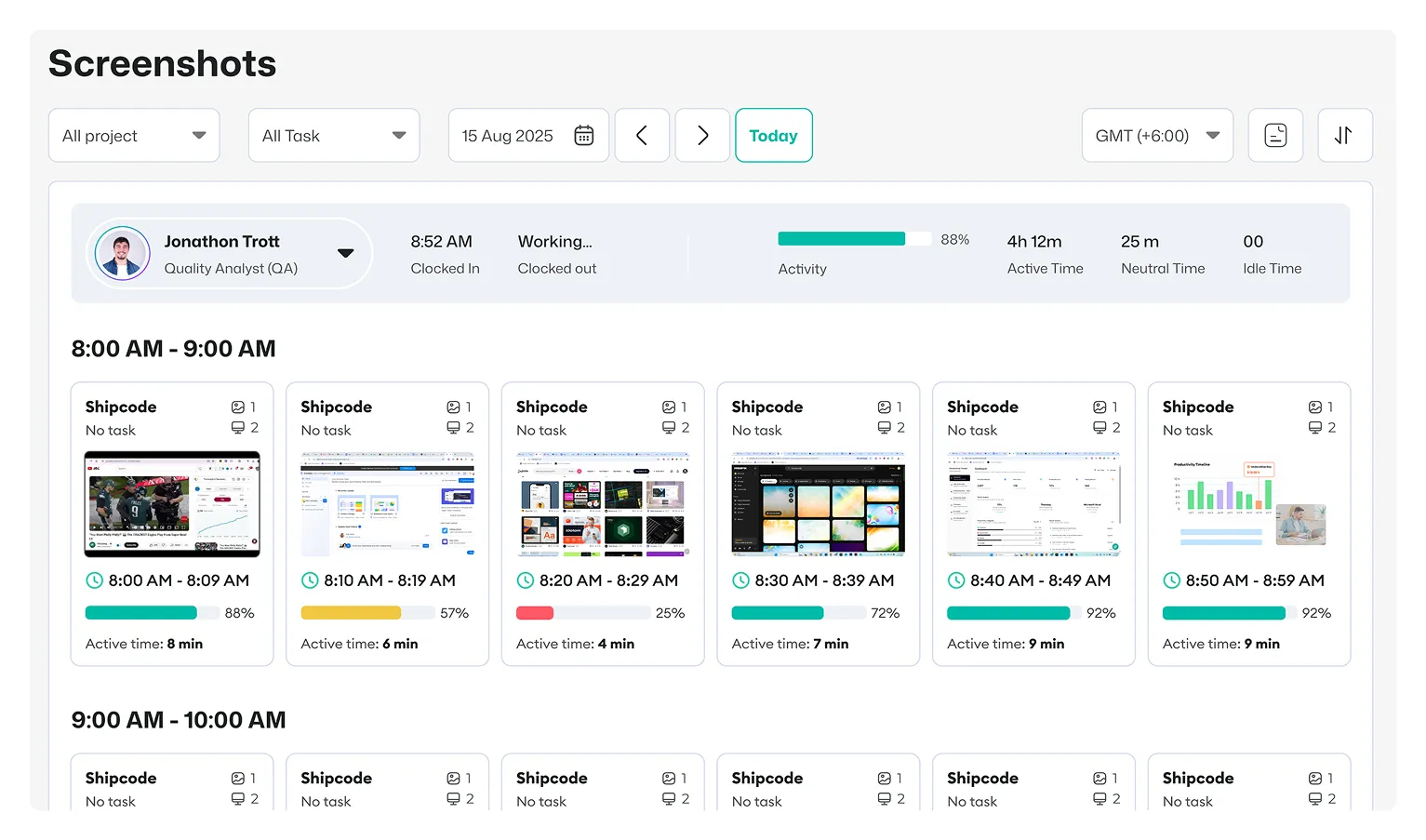
Capture timed screenshots throughout the workday and see what employees are doing.
Screenshot monitoring dashboard capturing timed workday screenshots.
Activity Tracking
Activity tracking
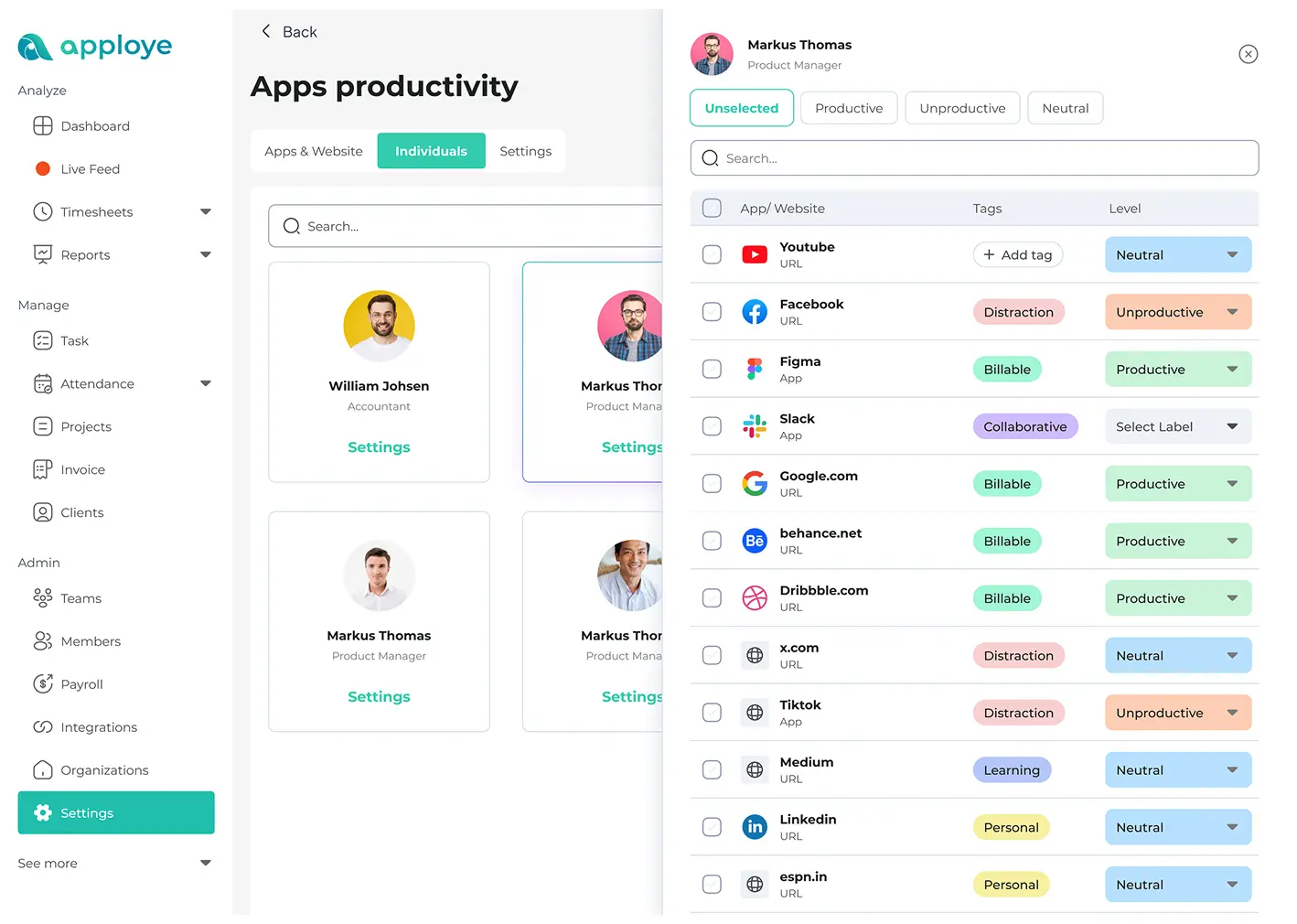
Track the apps and websites your team uses at work. Learn what drives output and what wastes time.
Team activity timeline showing apps and websites used at work.
Video Monitoring
Video monitoring
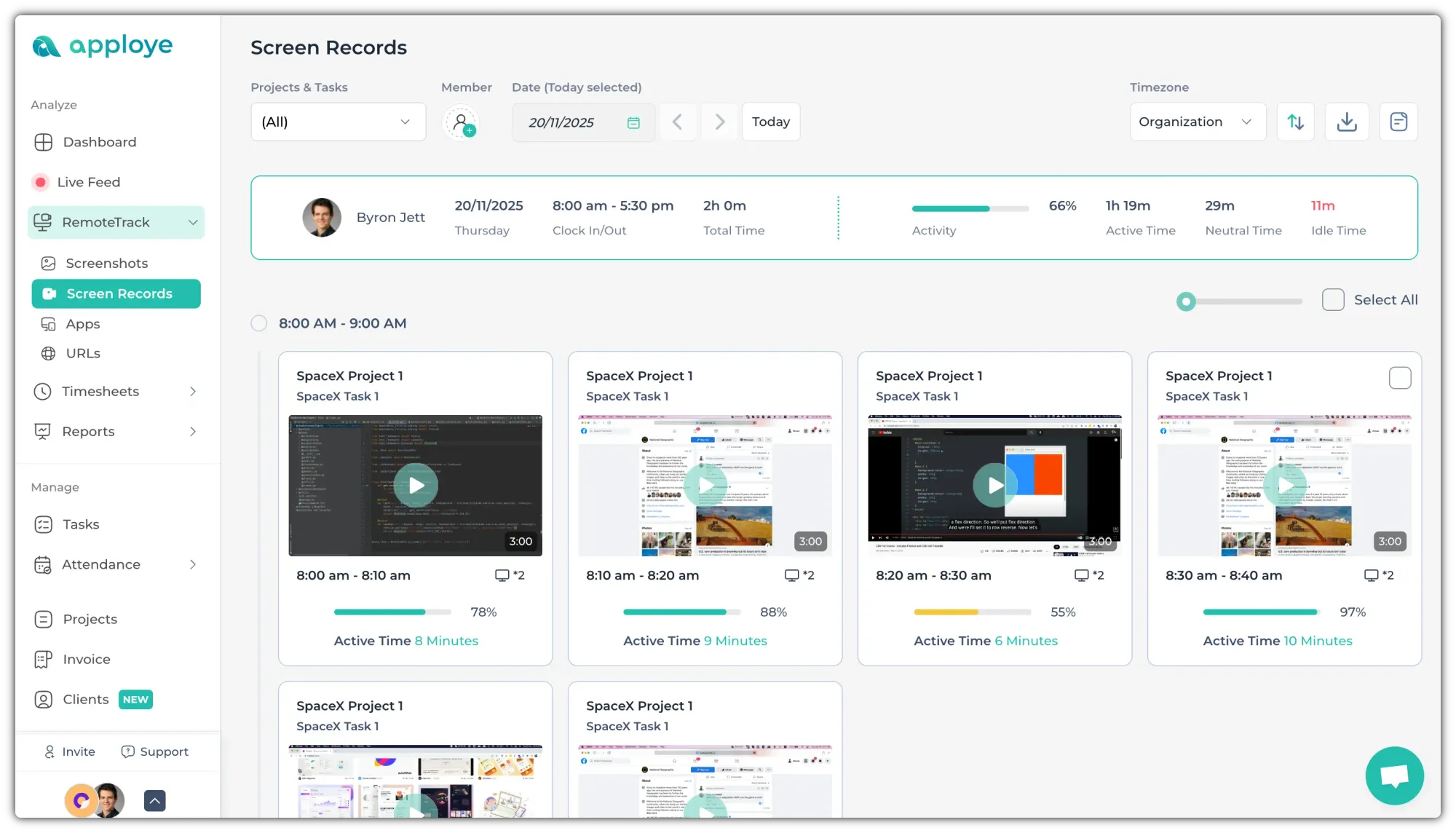
Record screens when you need more context.
Video monitoring screen recordings for work sessions.
Stealth Mode
Stealth mode
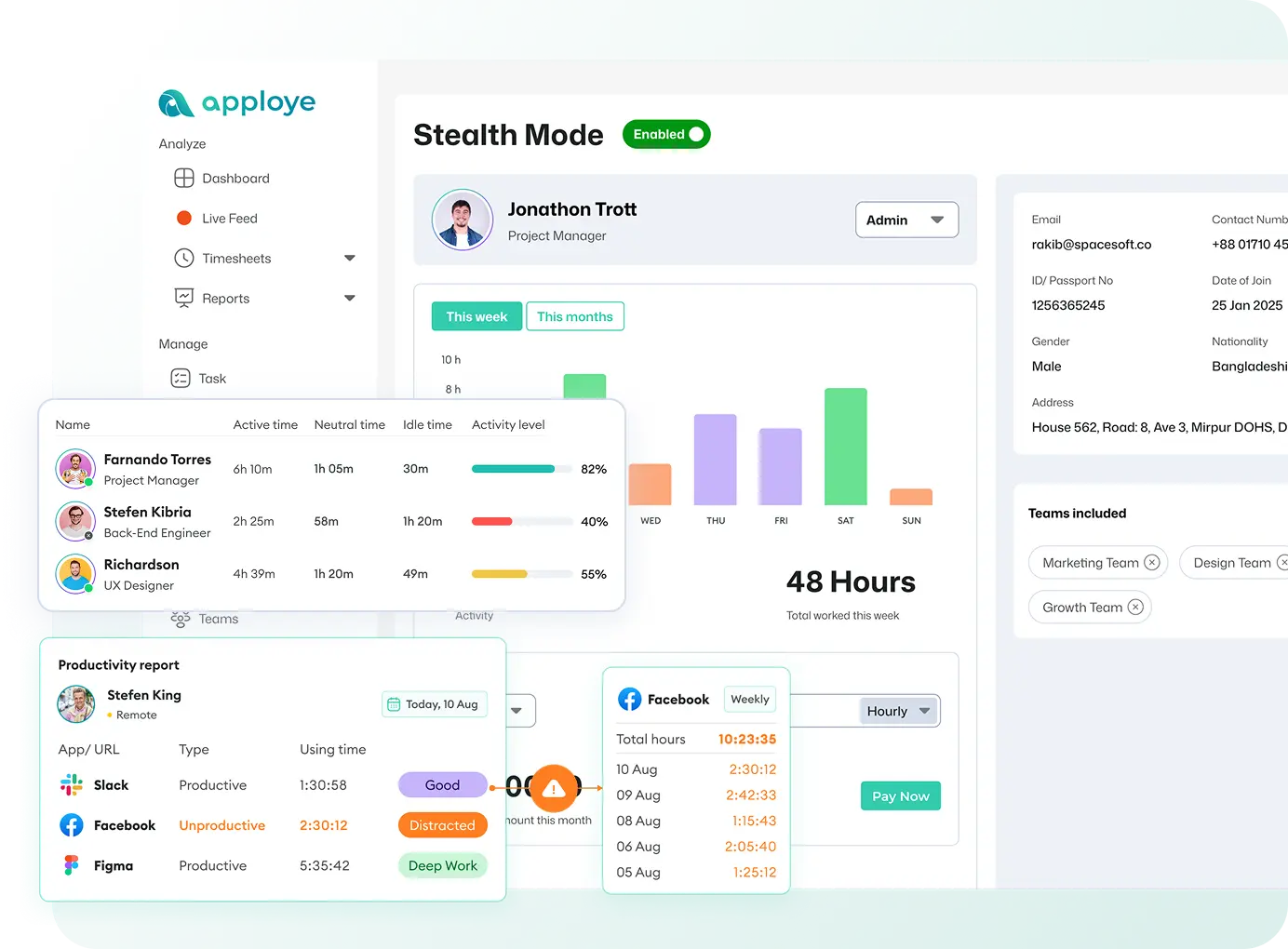
Run Apploye quietly in the background on company devices to capture honest employee activity.
Stealth mode running quietly in the background on company devices.
Suspicious Activity Tracking
Suspicious activity tracking
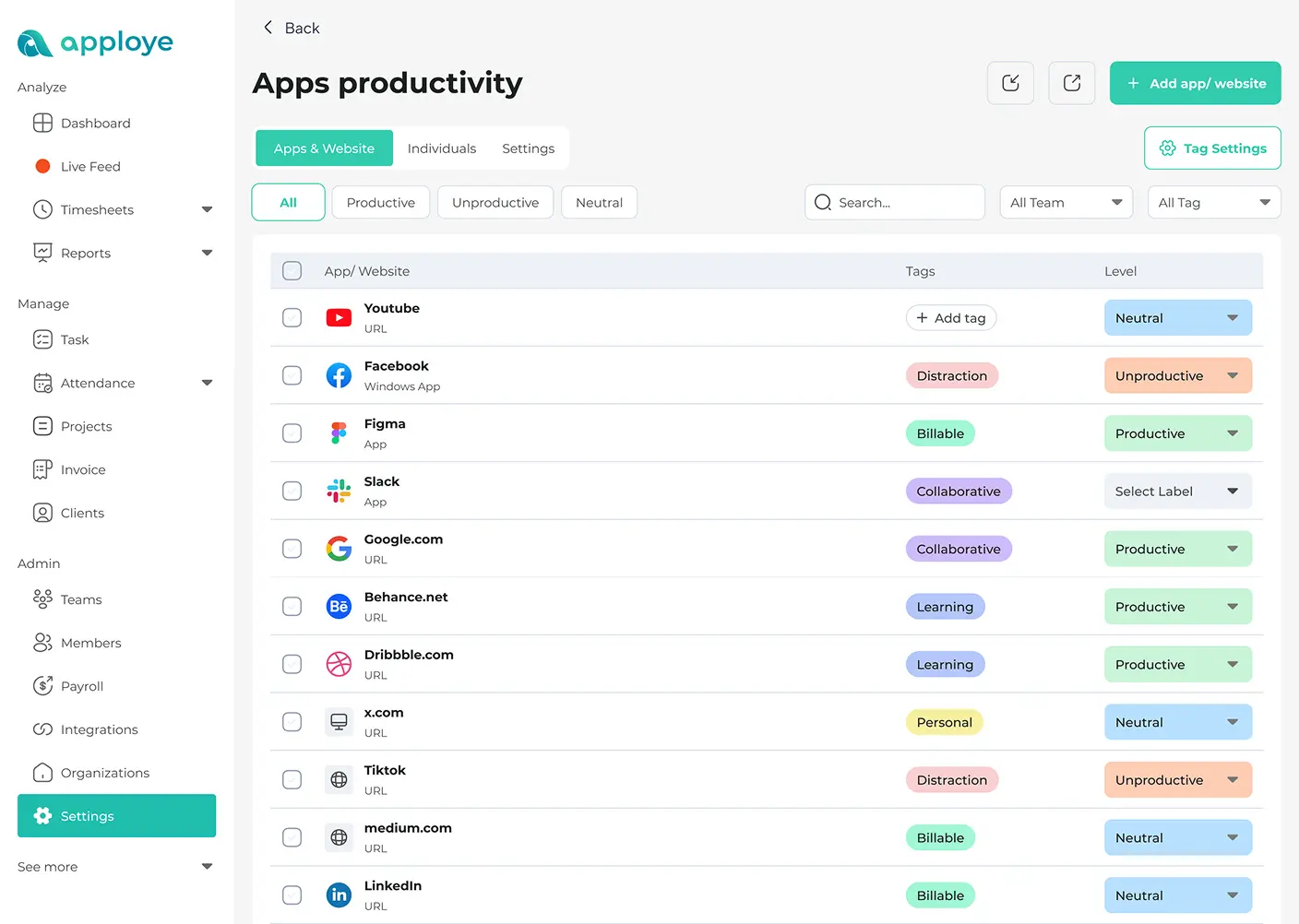
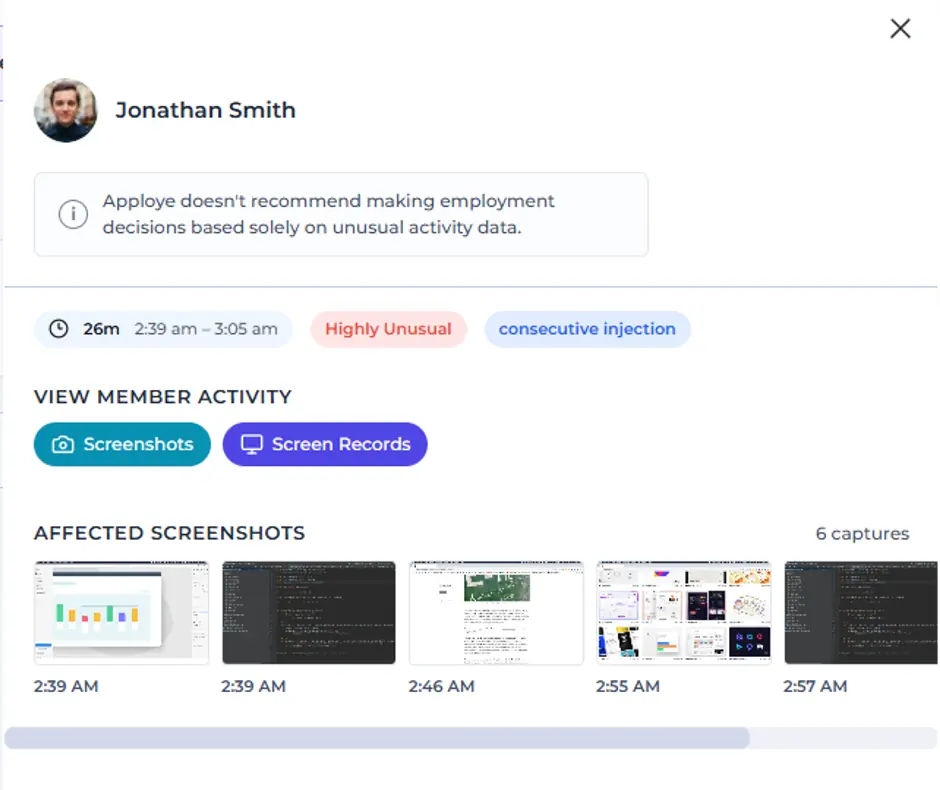
Flag unusual work patterns from activity-spoofing tools, like mouse jigglers. Categorize and track unproductive app and website usage.
Suspicious activity tracking for unusual patterns and unproductive app usage.
Screenshot monitoring dashboard capturing timed workday screenshots. Team activity timeline showing apps and websites used at work. Video monitoring screen recordings for work sessions. Stealth mode running quietly in the background on company devices. Suspicious activity tracking for unusual patterns and unproductive app usage.
Productivity Monitoring
Productivity monitoring
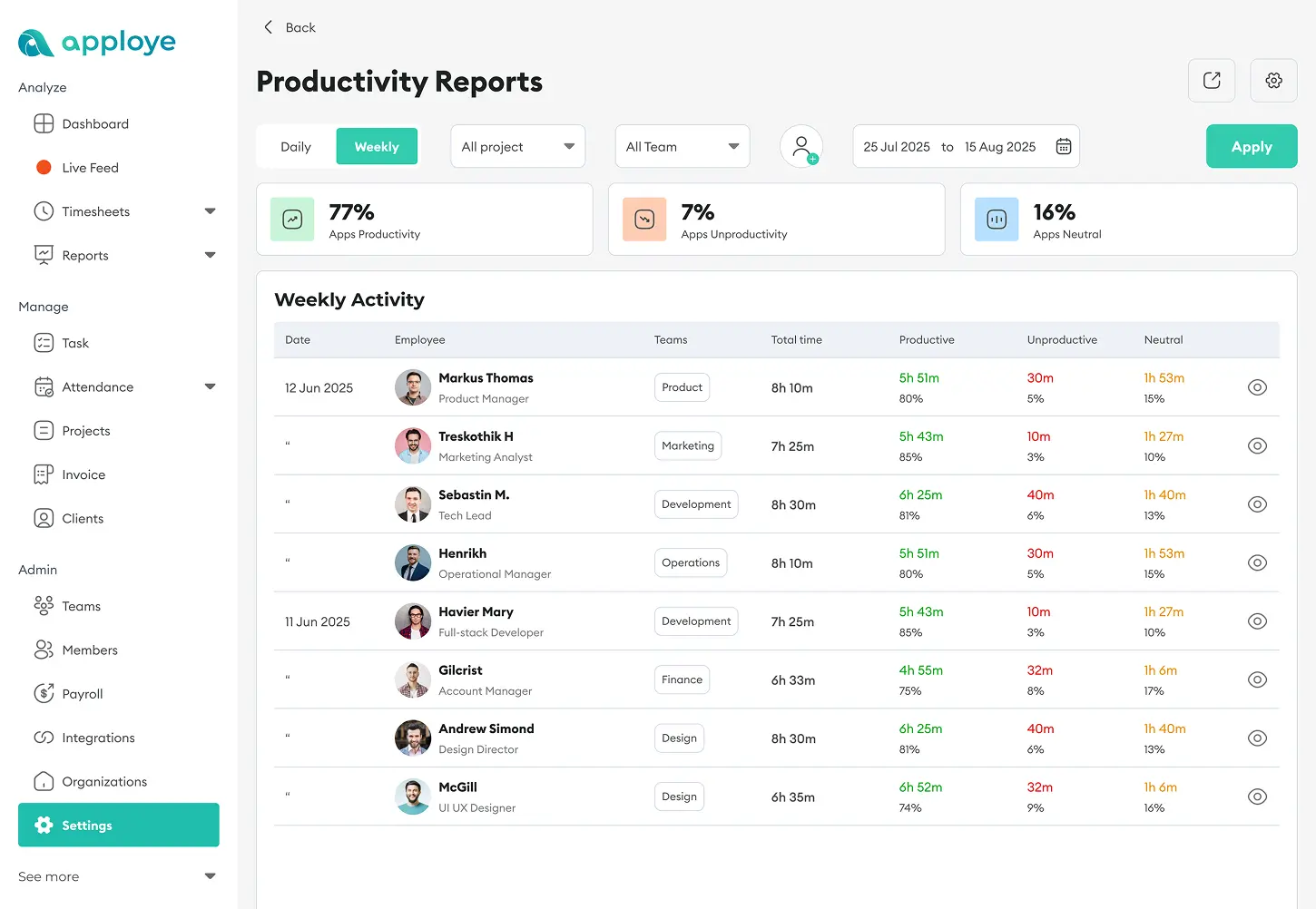
Split each day into productive and unproductive time. See when employees are active and when they are slacking.
Productivity monitoring view showing productive and unproductive time.
Performance Ranking
Performance ranking
Rank people by real activity and results, and spot your top performers.
Performance ranking based on real activity and results.
Workforce Management
Workforce management
Run your whole team from one dashboard. Assign work, track it, and adjust in a few clicks.
Workforce management dashboard for assigning and tracking team work.
Activity Levels
Activity levels
Measure productivity from keyboard and mouse clicks and get a clear read on every work session.
Activity levels from keyboard and mouse clicks across work sessions.
Projects & Tasks
Projects & tasks
Track time and effort on each project and task. Catch overruns before they eat your budget.
Projects and tasks tracking time and effort per assignment.
Productivity monitoring view showing productive and unproductive time. Performance ranking based on real activity and results. Workforce management dashboard for assigning and tracking team work. Activity levels from keyboard and mouse clicks across work sessions. Projects and tasks tracking time and effort per assignment.
Clock In & Out
Clock in & out
Log attendance when employees start tracking, and they clock out automatically when tracking stops.
Clock in and out attendance logging when tracking starts and stops.
Idle Time Detection
Idle time detection
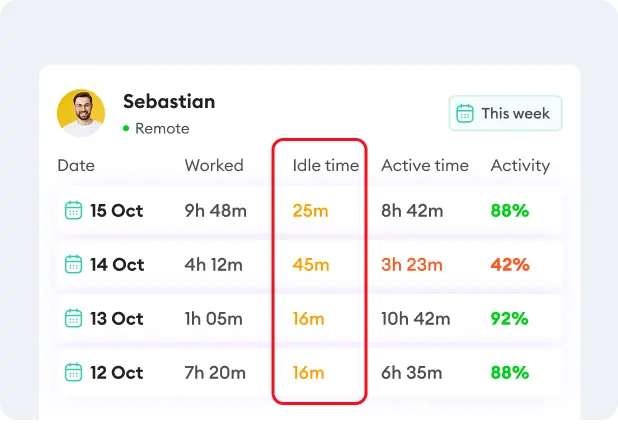
Catch time when the clock runs but work doesn't. Keep every paid hour honest.
Idle time detection when the clock runs but work does not.
Real-time Monitoring
Real-time monitoring
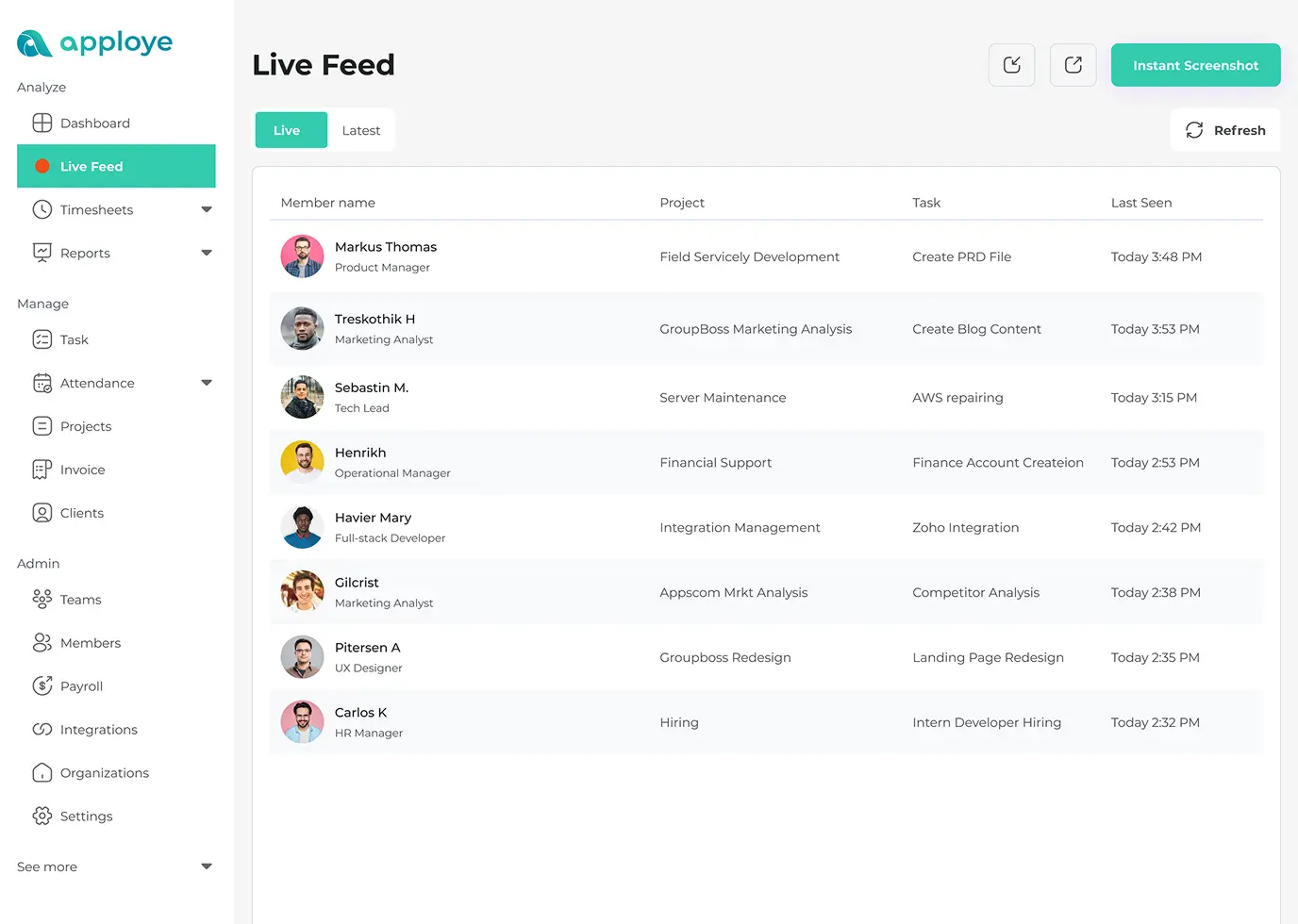
See who's working right now, live. Check the whole team from one screen.
Real-time monitoring showing who is working live.
Leave & PTO Tracking
Leave & PTO tracking
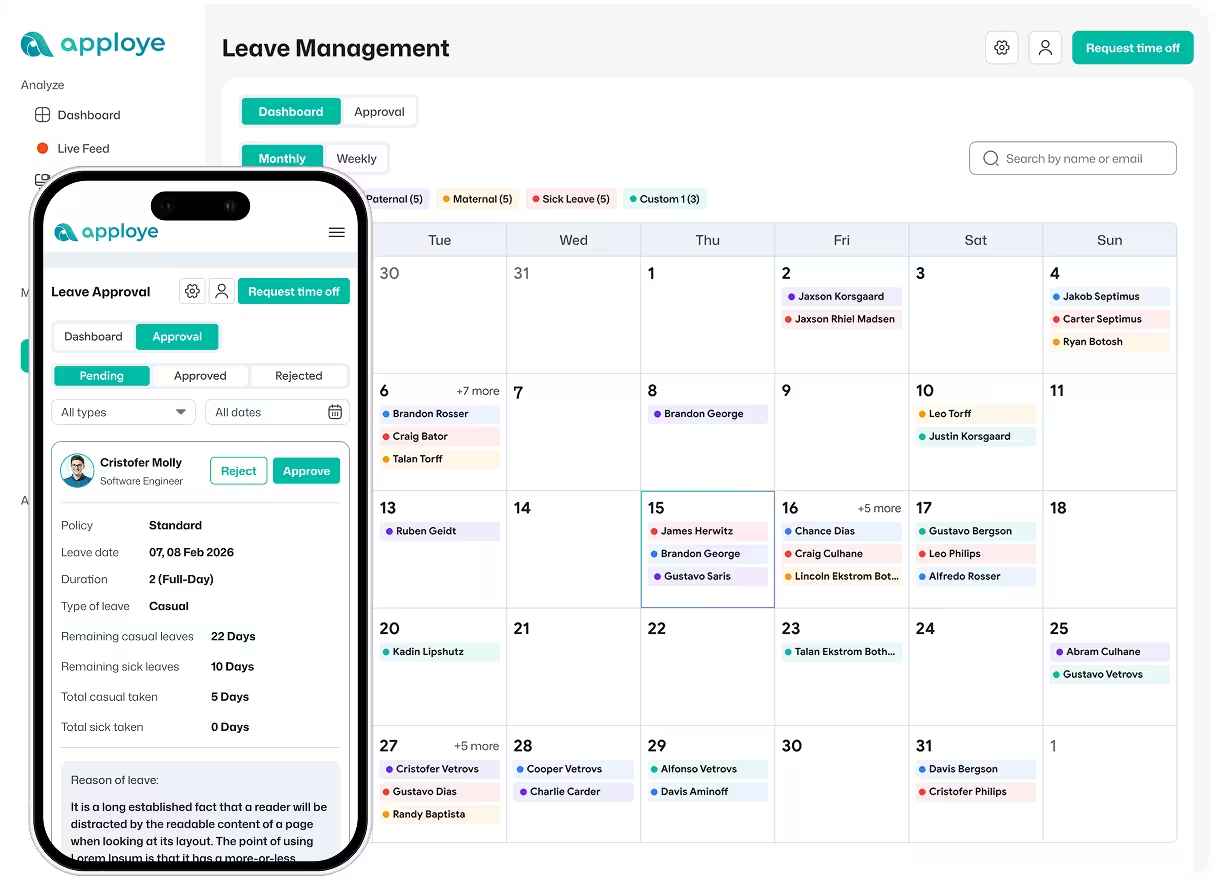
Manage time-off requests and total leaves in one place.
Leave and PTO tracking for time-off requests and totals.
Shift Scheduling
Shift scheduling
Assign different shifts to different employees and see the daily summary of the shifts and attendance of all your employees.
Shift scheduling with daily attendance summary for all employees.
Clock in and out attendance logging when tracking starts and stops. Idle time detection when the clock runs but work does not. Real-time monitoring showing who is working live. Leave and PTO tracking for time-off requests and totals. Shift scheduling with daily attendance summary for all employees.
Real-time Dashboard
Real-time dashboard
See your whole team’s productivity live and spot issues immediately.
Real-time dashboard showing live team productivity.
Timesheet Reporting
Timesheet reporting
Review hours by day, week, or custom range.
Timesheet reporting by day, week, or custom range.
Custom Reporting
Custom reporting
Build the exact reports you need and filter by person, project, or date.
Custom reporting filtered by person, project, or date.
Scheduled Reports
Scheduled reports
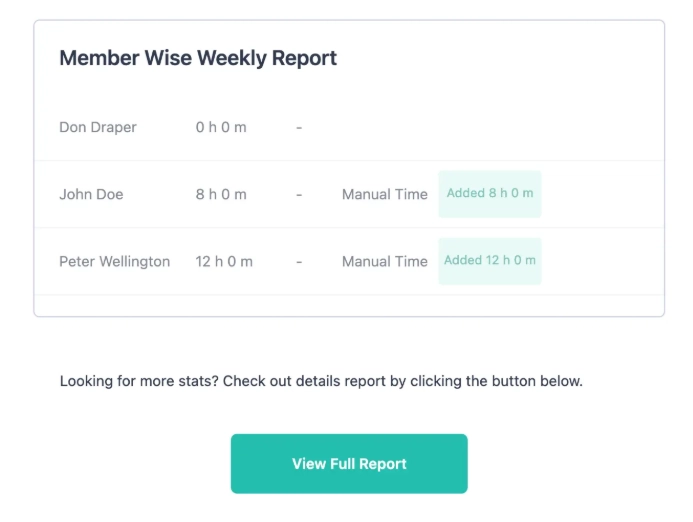
Get a summarized report emailed to admins every week, automatically.
Scheduled weekly reports emailed automatically to admins.
Exportable Reports
Exportable reports
Download any report as PDF, CSV, or Excel and hand it to clients, finance, or leadership.
Exportable reports available as PDF, CSV, or Excel.
Real-time dashboard showing live team productivity. Timesheet reporting by day, week, or custom range. Custom reporting filtered by person, project, or date. Scheduled weekly reports emailed automatically to admins. Exportable reports available as PDF, CSV, or Excel.
Data Encryption
Data encryption
Strong encryption protects every screenshot, log, and report. Your team's data stays secure from breaches and leaks.
Apploye data encryption protects screenshots, logs, and reports from leaks.
Data Retention
Data retention
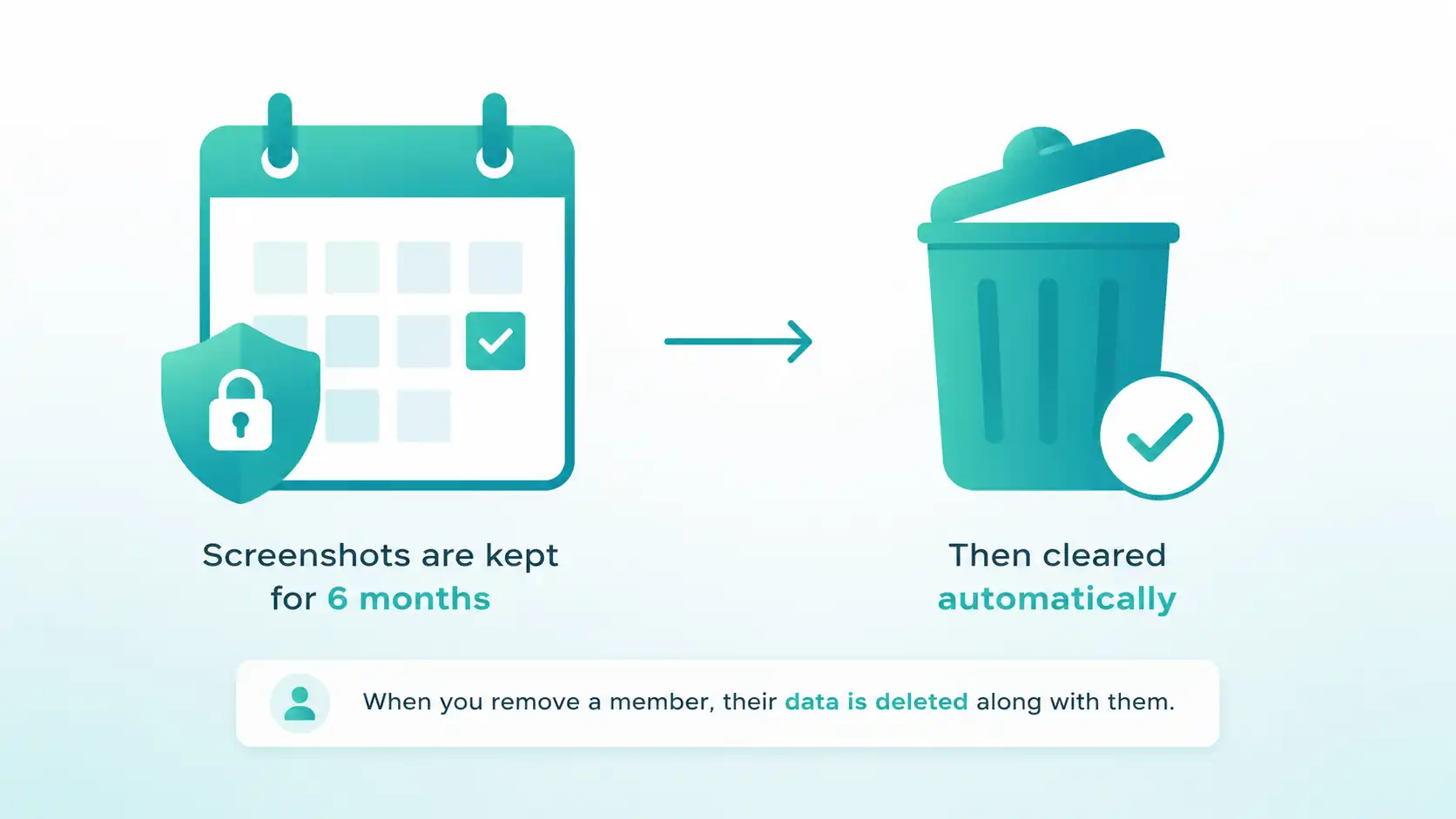
Screenshots are kept for six months, then cleared automatically. And when you remove a member, their data is deleted along with them.
Apploye employee monitoring data retention with 6-month screenshot auto deletion.
GDPR Compliant
GDPR compliant
Built to meet EU data protection rules. Your team's data stays stored and handled correctly.
Apploye GDPR compliant employee monitoring with secure EU data protection.
HIPAA Compliant
HIPAA compliant
Handle sensitive data to HIPAA standards.
Apploye HIPAA-compliant employee monitoring with secure sensitive data storage.
Role-based Access
Role-based access
Set access levels for owners, admins, and managers. Everyone sees only what their role should.
Apploye role-based access control for owners, admins, and managers.
Apploye data encryption protects screenshots, logs, and reports from leaks. Apploye employee monitoring data retention with 6-month screenshot auto deletion. Apploye GDPR compliant employee monitoring with secure EU data protection. Apploye HIPAA-compliant employee monitoring with secure sensitive data storage. Apploye role-based access control for owners, admins, and managers.

Why choose Apploye?

Forbes Logo
Best Product Badge

Right-quote-markBest for Productivity ManagementLeft-quote-mark

Especially recommended for: Employee Monitoring & Productivity Tracking

purple quote

30%

Performance increased in the first quarter

right-quote-markApploye has proven to be more than a tool -it's a key partner in managing our remote, globalleft-quote-mark team

Jeremy Dawes

Jeremy Dawes

Founder, Jezweb

productivity bar graph

Productivity boosted

Why Monitor Your Employees with Apploye?

Put Monitoring on Autopilot with Screenshots and Screen Recording

Get complete visibility of employee work time and activities with Apploye computer monitoring software . Your employees, contractors, or freelancers start working by clocking in. Then the application starts tracking work hours and takes random screenshots of employee screens. You can also record employee screens when you need more context.

Get Started for Free
Track Time
See Apps

Get Real-Time Visibility into Apps and Websites Your Team Uses

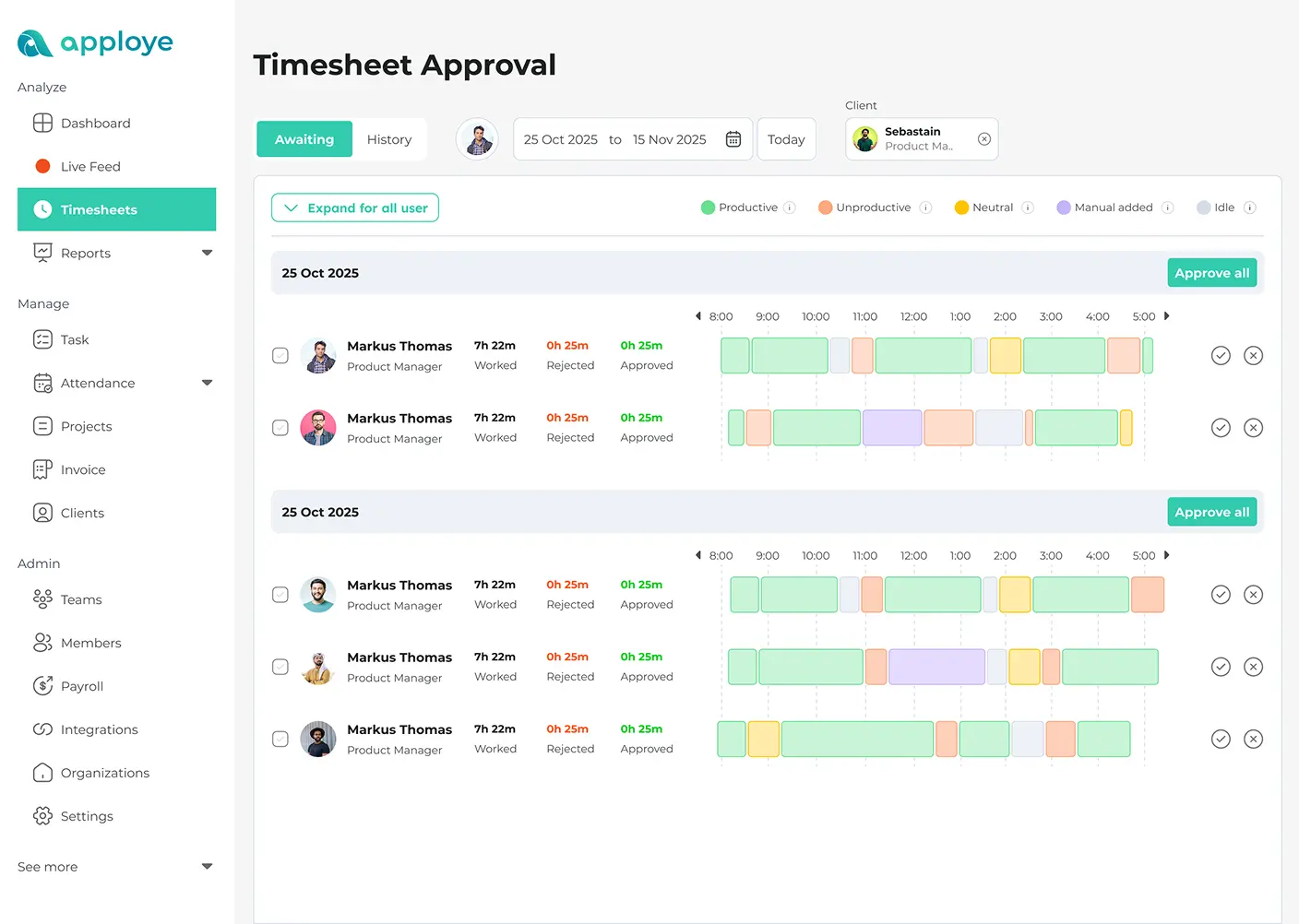
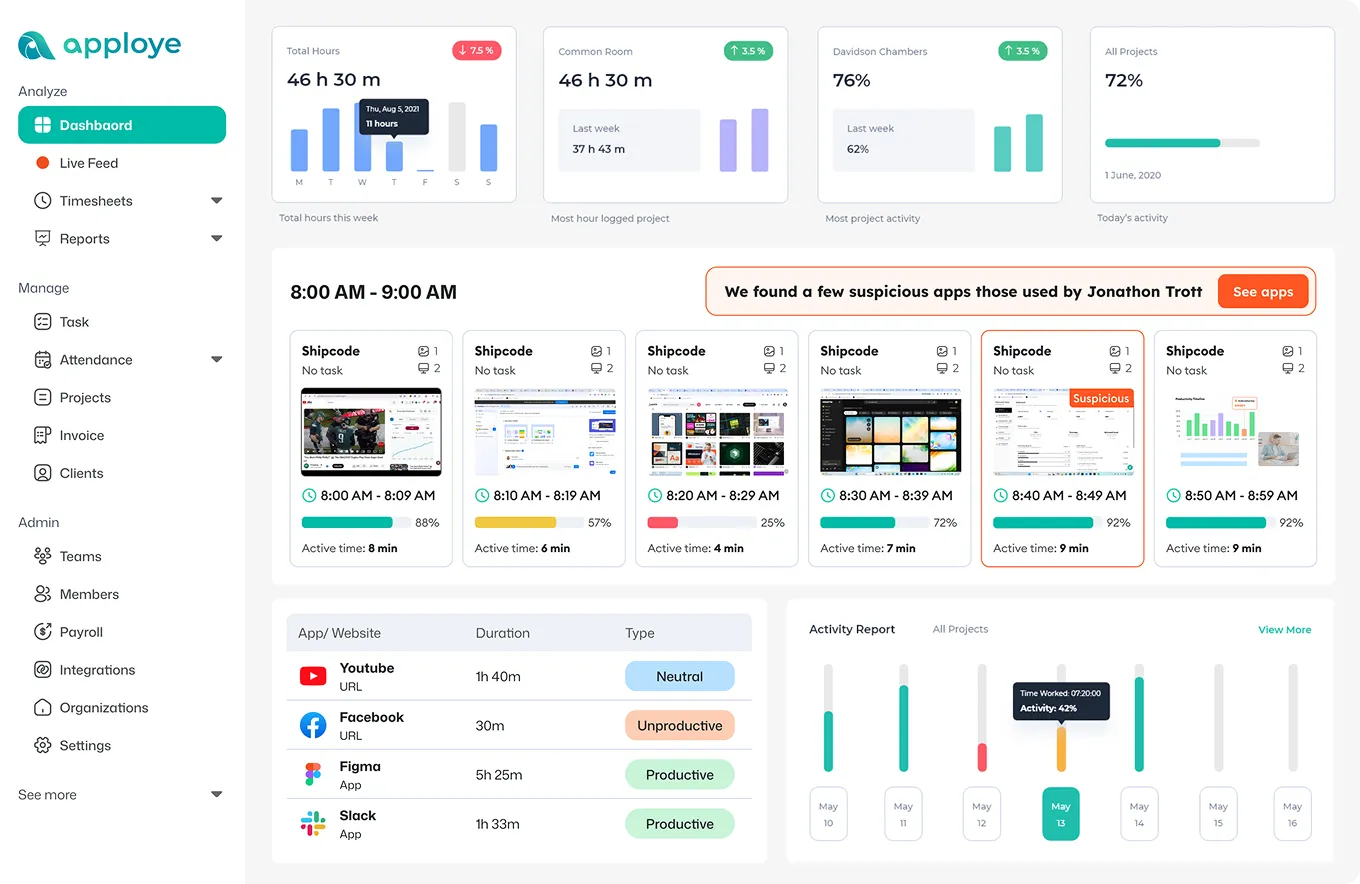
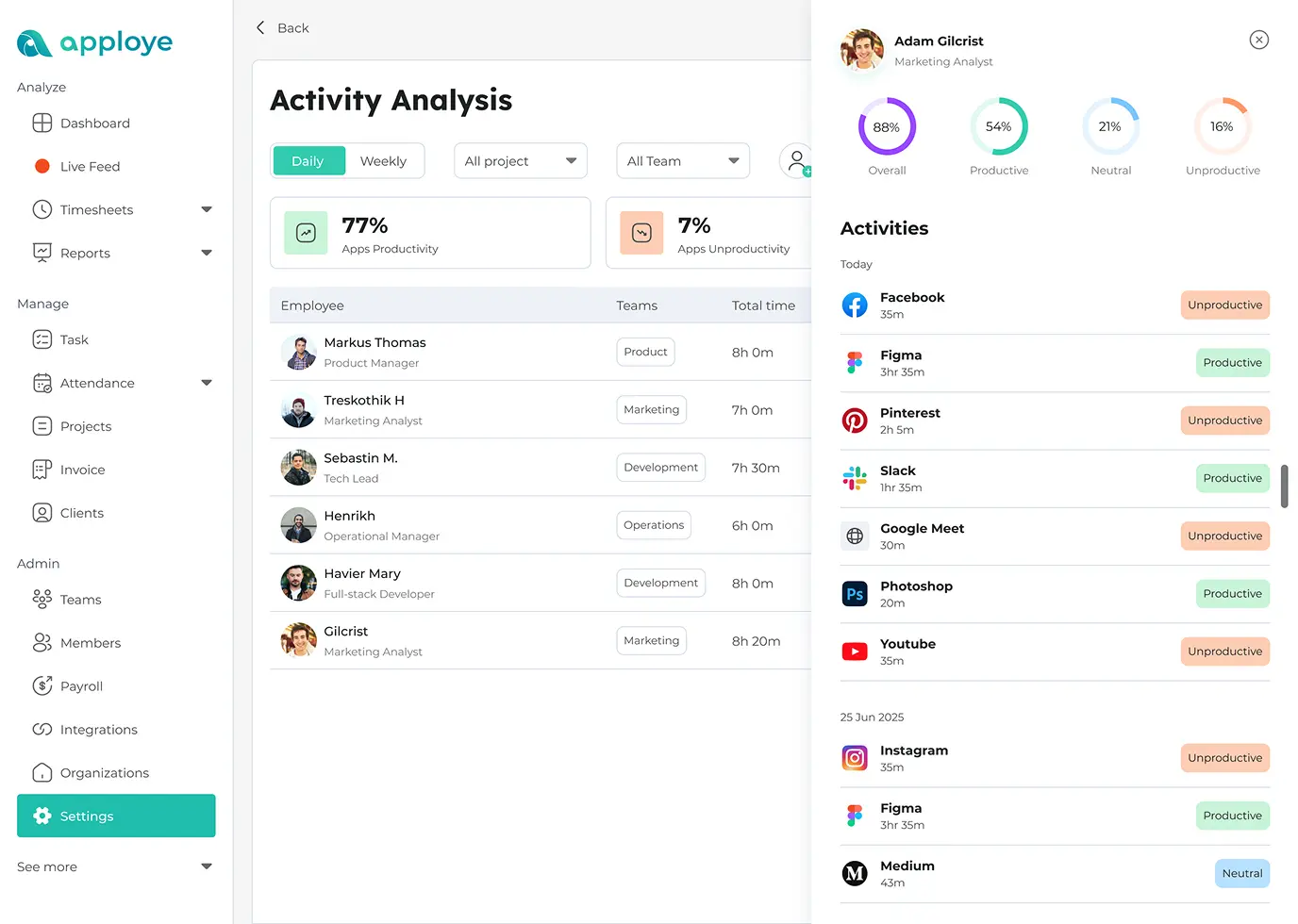
Observe the work progress in real time with your team’s online activities and app usage. You can view which websites and applications your employees are using during work and spot any anomalies in real time. You can also see project-wise online activities along with time tracking data for making better decisions.

Measure Work Activity and Improve Team Productivity

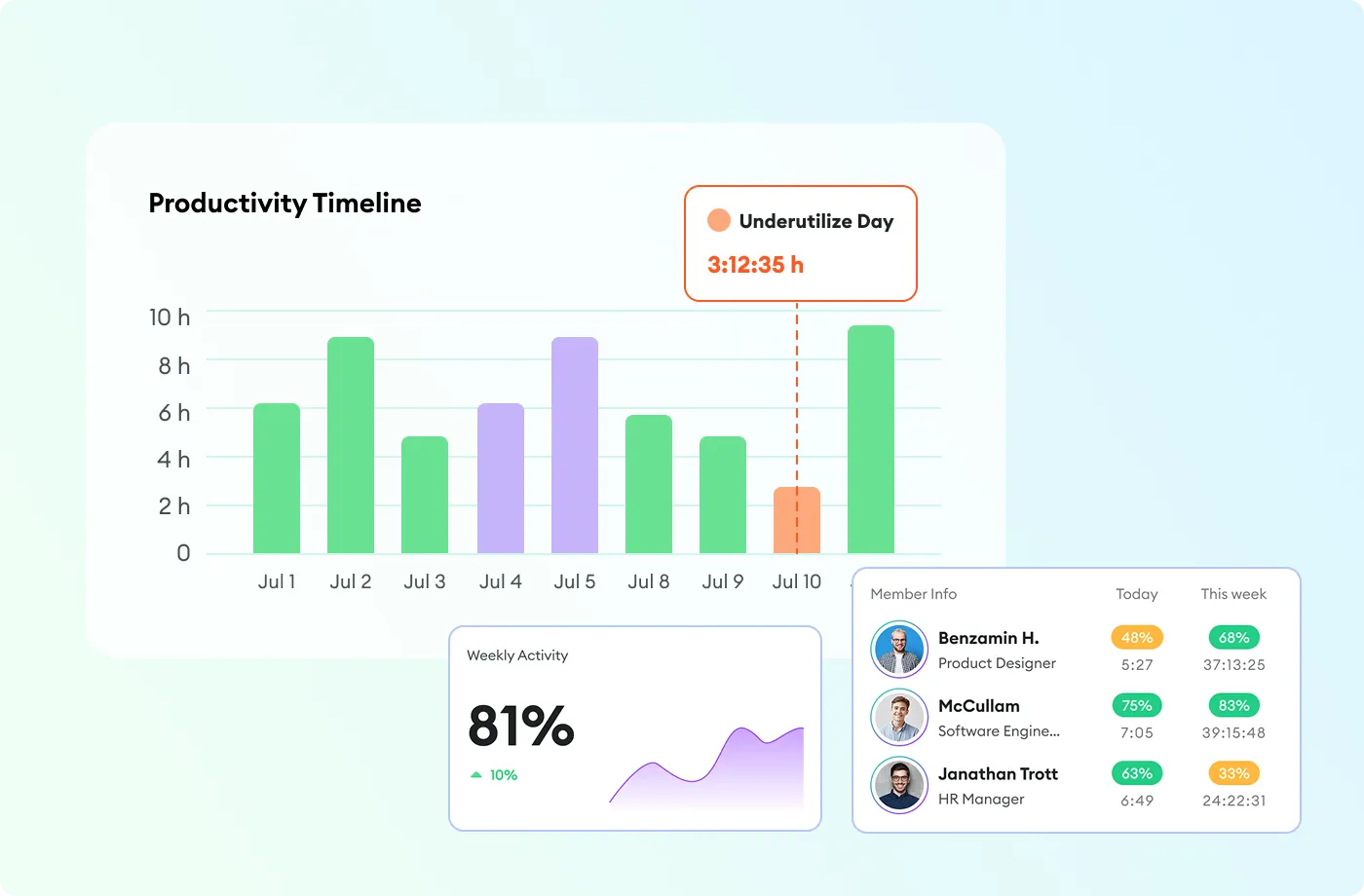
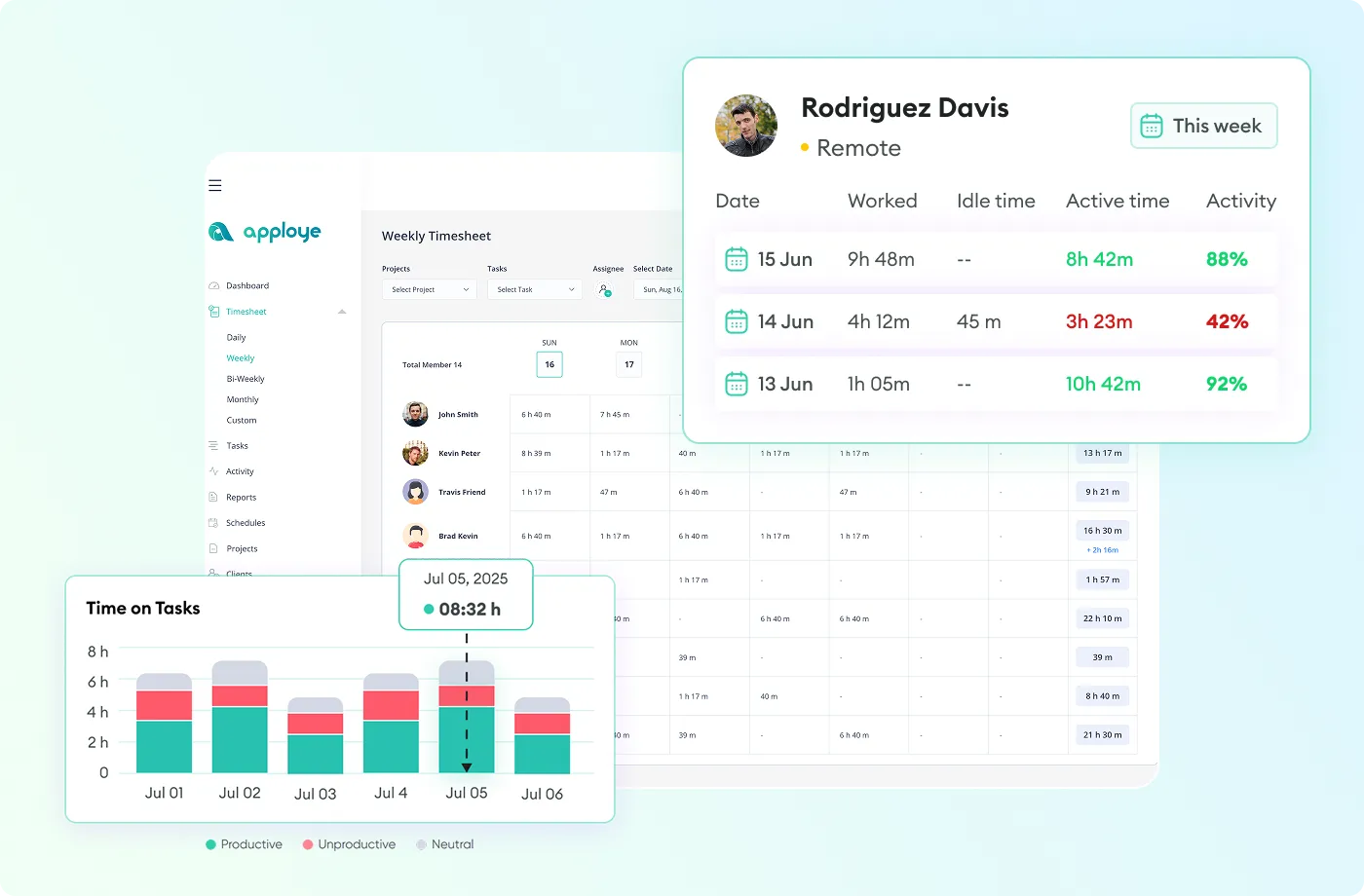
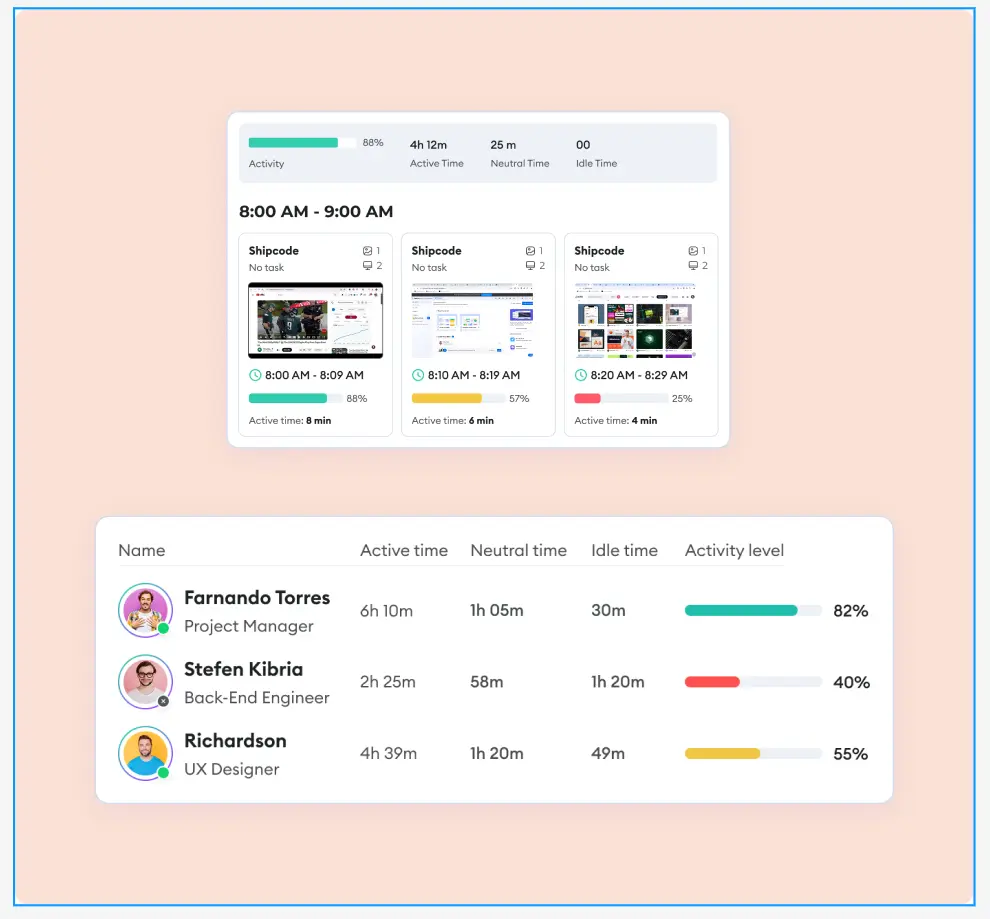
Check how active your employees are during office hours and improve workforce productivity. Track employee computer activity with a productivity monitoring system to find who is performing. You can spot active time, neutral time, and idle time based on user activity of your remote, hybrid, or in-house teams. Balance team workload without being invasive.

Start Free Trial
Get Customized Reports Dashboard
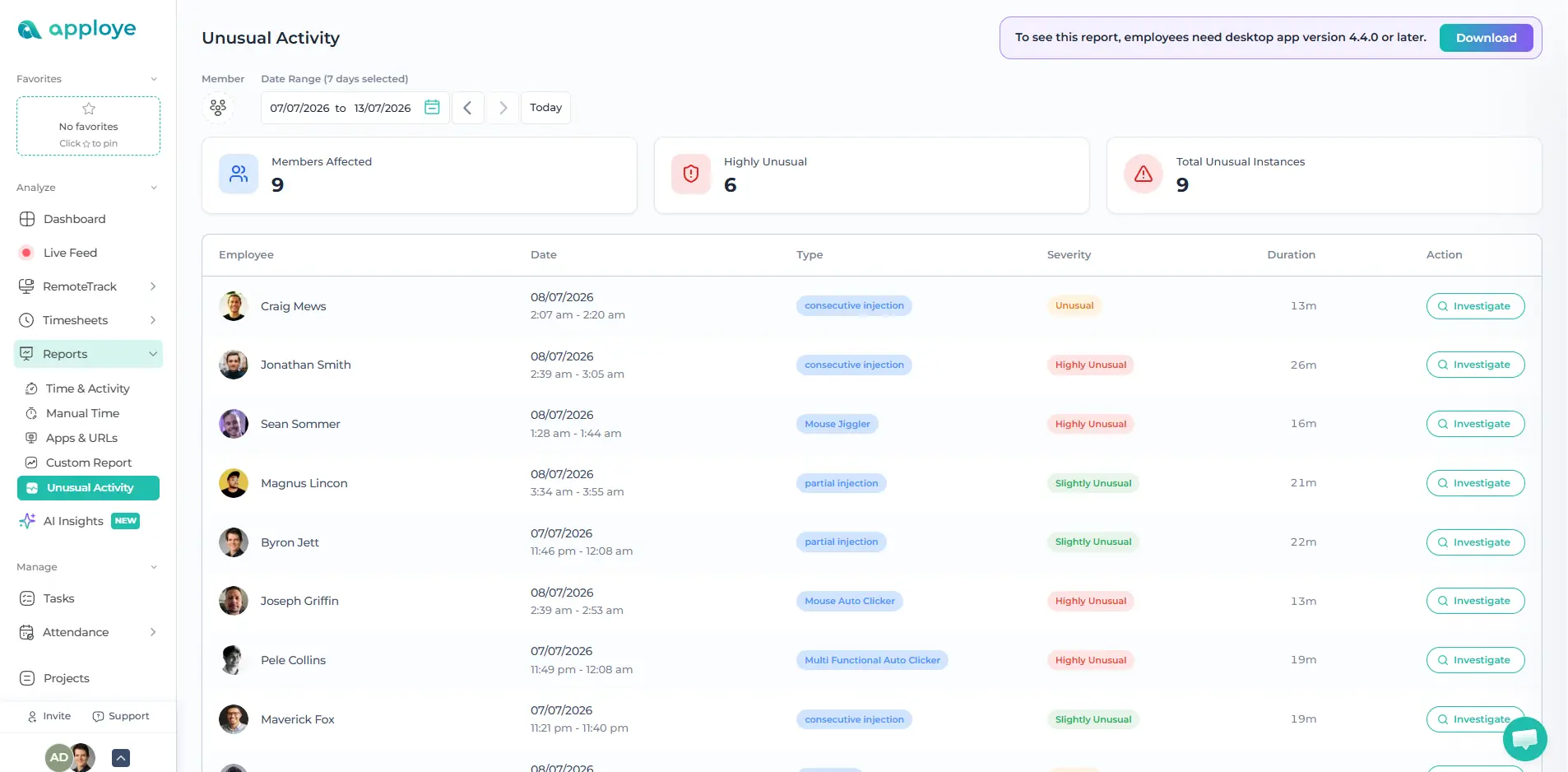
Unusual activity report showing employee tracking anomalies in Apploye.

Detect Suspicious and Fake Activity

Identify unusual work patterns such as long idle periods, inconsistent activity levels, unexpected app usage, or behavior that does not match normal work routines. Apploye helps detect artificial mouse movement and fake activity signals, including mouse jiggler usage. So managers can rely on more accurate productivity data.

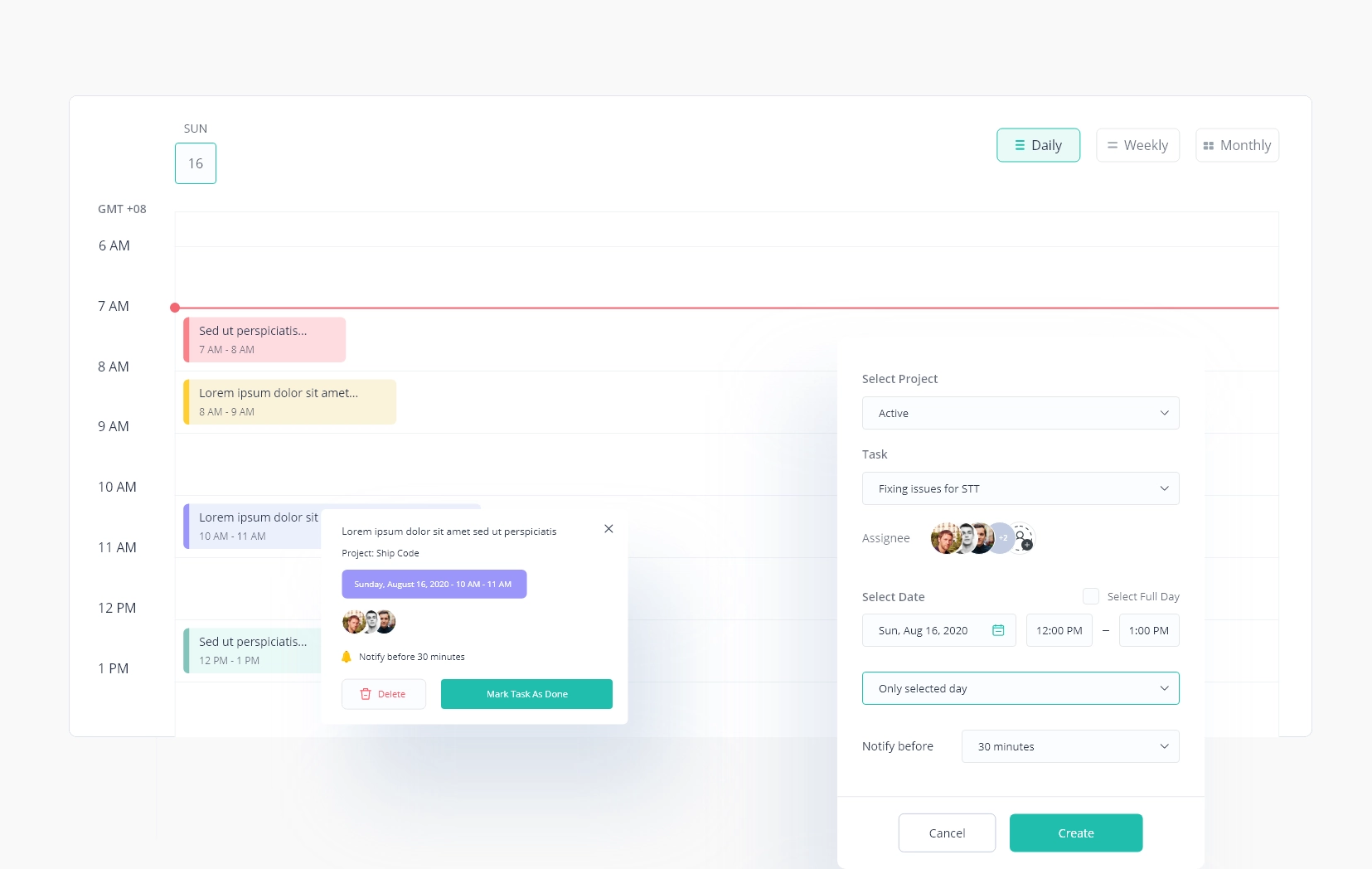
Track Schedule Adherence and Balance Workloads

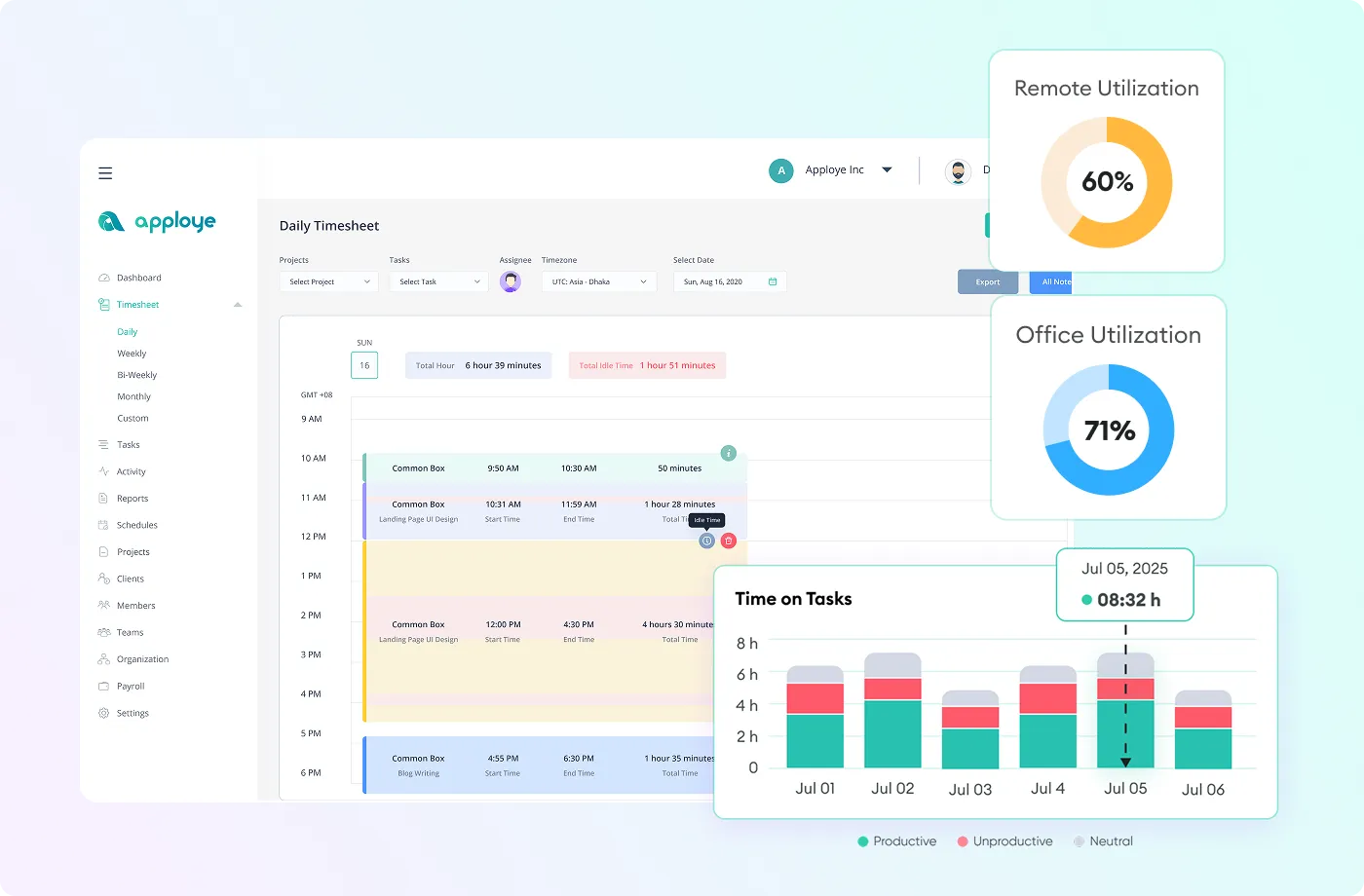
Compare employee clock-ins, clock-outs, breaks, and active work hours against assigned schedules or shifts. Use time, activity, project, and productivity reports to find employees who are overloaded, underutilized, or unevenly assigned across projects.

Book a Demo
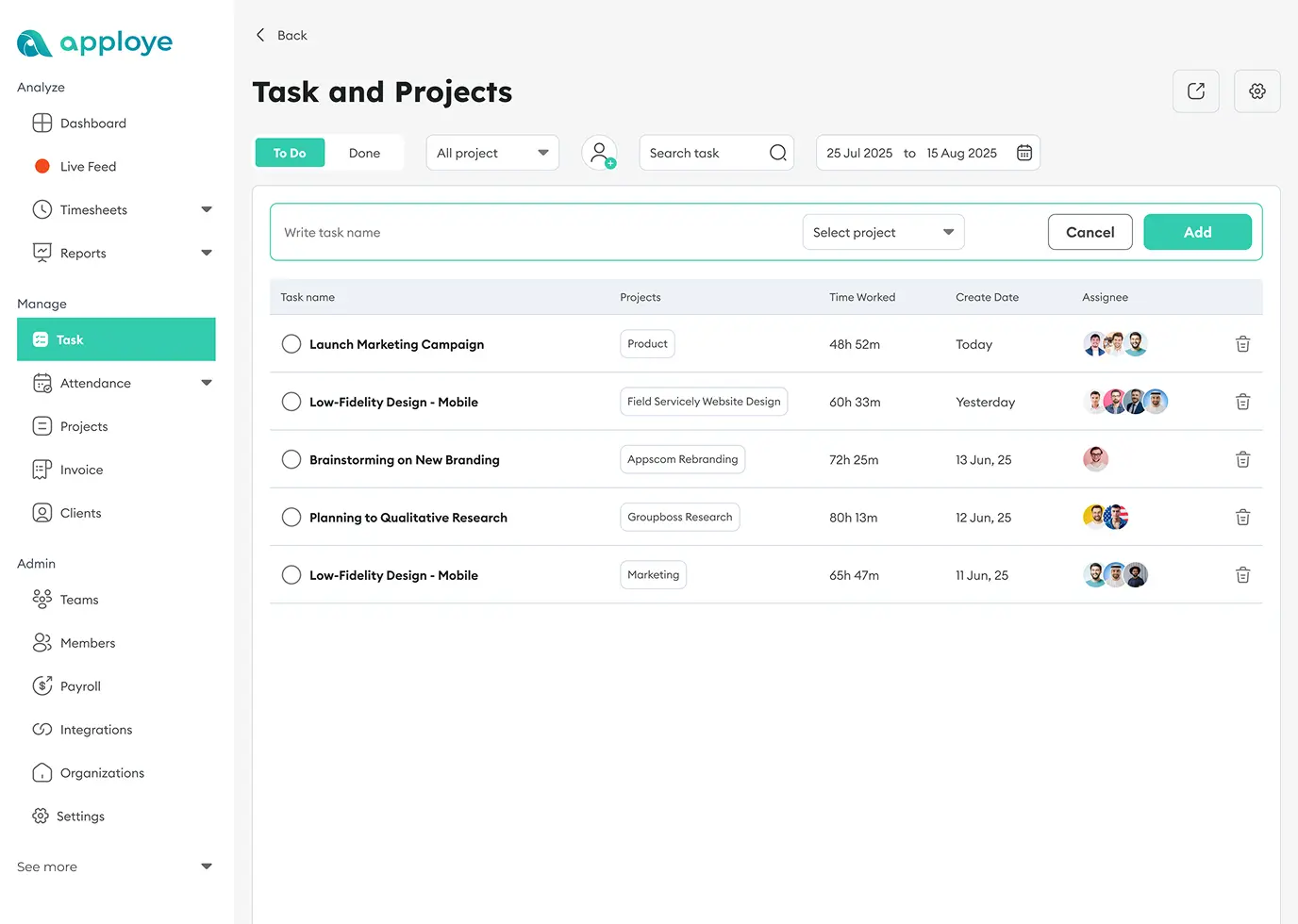
Task scheduling calendar showing daily work blocks and task creation.

Built for the Teams Who Value Time & Productivity

Agencies
Software Teams
BPO
VAs
Accountants
Laws Firms

For Marketing Agencies

Track & manage teams, billable hours for precise billing of your client projects.
Popular Features:
  • Time tracking
  • Automated timesheet
  • Productivity analytics
  • Client reporting
  • Invoicing
hree men collaborating at a table, writing and discussing something in a marketing agency.

For Software Development & IT Teams

Make sure you complete every project on time with Apploye. Optimize the development process and increase team performance.
Popular Features:
  • Productivity tracking with custom reports
  • Integration with software like Jira, Asana, ClickUp, etc.
  • Privacy first monitoring
  • Idle time tracking
Three men in discussion while reviewing something on a laptop in a software development firm.

For BPO (Business Process Outsourcing) Teams

Track, manage & monitor global teams without any hassle. Manage shifts and do resource scheduling properly.
Popular Features:
  • Activity & productivity monitoring
  • Client-ready reporting
  • Automated attendance tracking
  • Shift schedule productivity tracking
Three men in formal attire standing and discussing something on a laptop.

For Virtual Assistant Companies

Gain visibility into VAs' work hours, time logs, time cards, and track project progress. Get accurate and hassle-free billing with automated timesheets.
Popular Features:
  • Screenshots & video monitoring
  • Productivity monitoring
  • Project-based time tracking
  • Automatic timesheet & approval
  • Simplified billing and invoicing
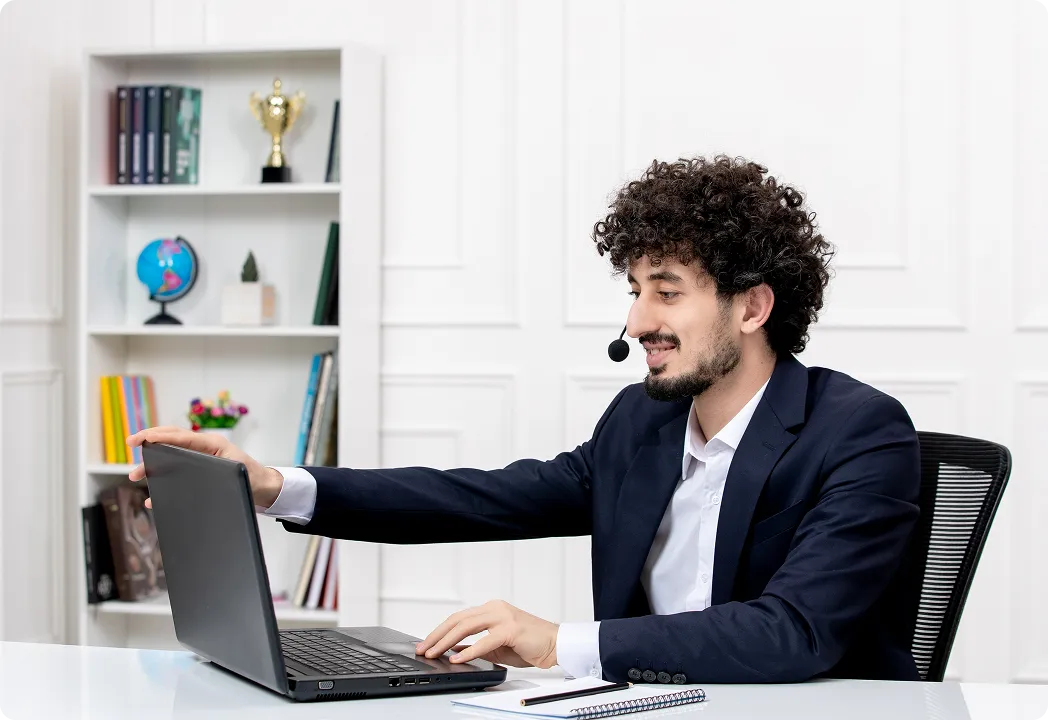
Virtual assistant in a headset and suit smiling while using a laptop in a bright office setting.

For Accountants and Finance Teams

Focus on client work while we take care of your timesheet report and billing. And send client invoices directly from the cloud app.
Popular Features:
  • Hour logs and project tracking
  • Billable & non-billable hours
  • Timesheet management
  • Integration with different software
Two men in accounting department in formal attire reviewing documents with charts at a desk in an office.

For Lawyers and Attorneys

Reduce billing disputes and increase billable hours with Apploye’s productivity management platform.
Popular Features:
  • Accurate billable hours
  • In-depth reports & analytics
  • Timesheet management
  • Privacy & compliance
An attorney in a suit writing on a clipboard with a judge's gavel on the desk in front of him.

What More Apploye Employee Monitor Software Offers for Your Business?

Employee Screen Monitoring

Employee Screen Monitoring

Capture and analyze pc screenshots to increase accountability.

Learn more
Employee Time Tracking

Employee Time Tracking

Track and manage project time and increase project efficiency.

Learn more
Productivity Analysis

Productivity Analysis

Analyze activity data and improve team productivity and balance workloads.

Learn more
App and Website Tracking

App and Website Tracking

View website and application usage while on the job for deeper work insights.

Learn more
Stealth Mode

Stealth Mode

Apploye's stealth mode runs in the background and checks activity levels, apps/URL usage live.

Learn more
Silent & Remote Deployment

Silent & Remote Deployment

Install and configure Apploye remotely across company devices without manual setup for every user.

Learn more
On-Premise Deployment

On-Premise Deployment

Run Apploye on your own infrastructure for greater control over data and security.

Learn more
Workforce Analytics

Workforce Analytics

Get real data on workforce efficiency and output performance.

Learn more
Employee Attendance Tracking

Employee Attendance Tracking

Check employee clock-in and clock-out for smooth HR operations

Learn more
Advanced Reporting

Advanced Reporting

Watch every insight and statistic of your team's activity and performance.

Learn more
Project Tracking

Project Tracking

Increase project efficiency and accountability with project and task management.

Learn more
SOC 2 Security

SOC 2 Security

Protect company data with security controls designed for enterprise teams.

Coming Soon

What About Security and Privacy Control of Apploye?

Maximum Security Compliance

Apploye is compliant with GDPR and HIPAA. It encrypts all the user data transmitted or stored.

On-Premise Deployment

This allows organizations to host Apploye within their own environment and maintain internal security, access, and compliance policies.

Role-Based Access Control

With role-based permissions, businesses can limit access to employee activity, screenshots, reports, attendance, and productivity data based on each manager’s responsibility.

Secure Productivity Monitoring

Apploye helps businesses keep productivity data accurate while maintaining secure and controlled access to employee monitoring insights.

Install and Start Monitoring Under 2 Minutes

one

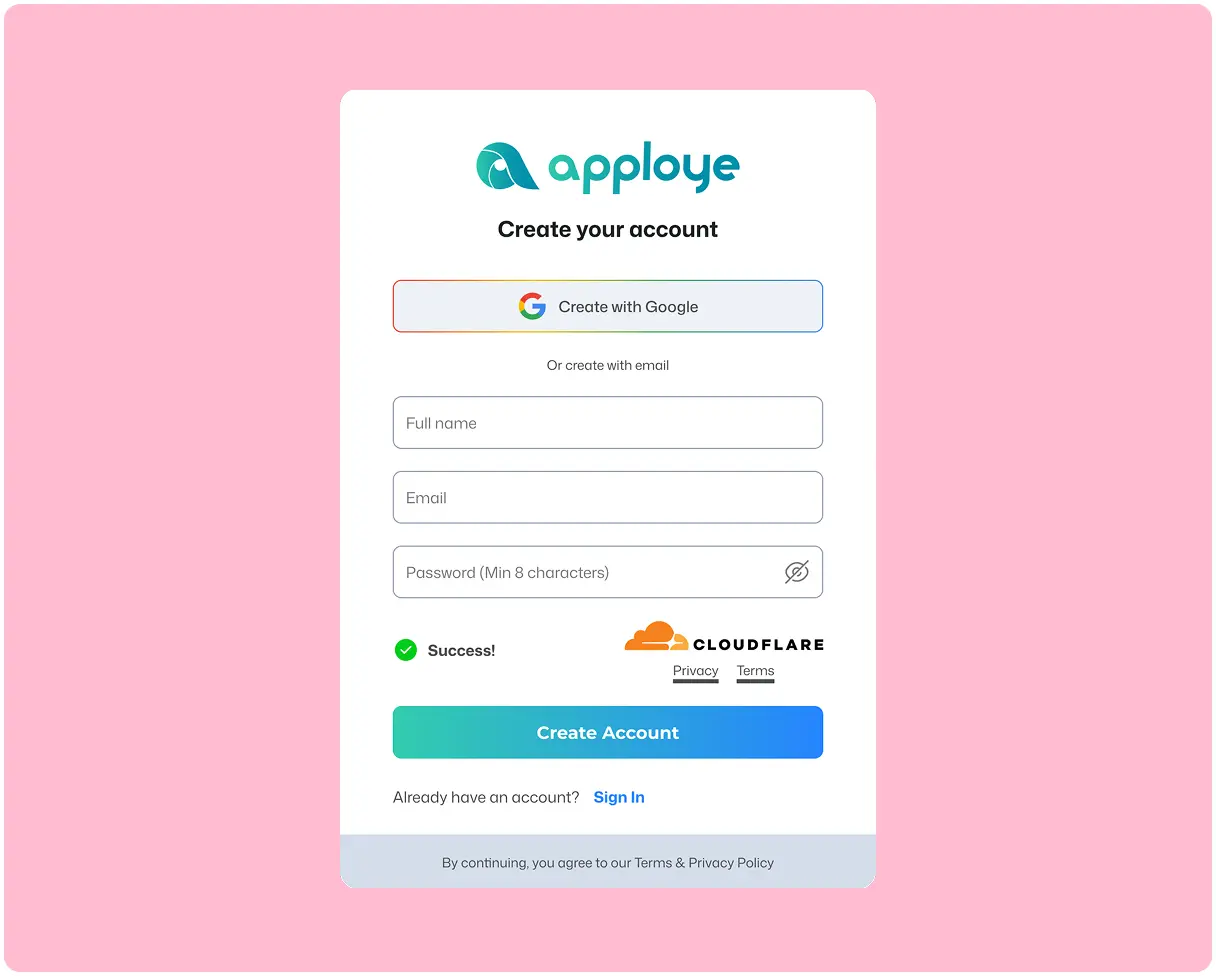
Sign Up & Set Up

Just enter your email and a new password to sign up, then enter your organization name. That's all. No credit card required, no lengthy forms.

two

Deploy to Your Team's Devices Remotely

Roll out Apploye across your team in one go using an MDM tool or a simple deployment script. Your employees don’t need to do anything. The app installs silently in the background on each company device under your admin account.

three

Tracking Starts Automatically

Once deployed, Apploye begins tracking work hours, app usage, and activity on its own, and everything shows up on your dashboard right away.

one

Sign Up & Set Up

Just enter your email and a new password to sign up, then enter your organization name. That's all. No credit card required, no lengthy forms.

Sign Up & Set Up
two

Deploy to Your Team's Devices Remotely

Roll out Apploye across your team in one go using an MDM tool or a simple deployment script. Your employees don’t need to do anything. The app installs silently in the background on each company device under your admin account.

Deploy to Your Team's Devices Remotely
three

Tracking Starts Automatically

Once deployed, Apploye begins tracking work hours, app usage, and activity on its own, and everything shows up on your dashboard right away.

Tracking Starts Automatically
Sign Up & Set Up Deploy to Your Team's Devices Remotely Tracking Starts Automatically

Prefer your team to control their own timer instead?Prefer your team to control their own timer instead?

Apploye also offers an Interactive Desktop App that employees can download and install themselves, where they pick a project and start/stop tracking manually.
Start for Free

No Credit Card Required

What Users are Saying

“Full monitoring that keeps remote teams honest”

Simon runs remote software teams and leans on Apploye's screenshot tracking, app and URL monitoring, and activity tracking to keep accountability high. He notes that the monitoring can feel intrusive to staff unless managers explain it clearly beforehand.

Star Star Star Star Star
Simon D.
CEO, Computer Software
Check out the full review

“Total visibility into every remote dev's day”

Mark's distributed dev teams gained clear daily visibility through work hours tracking, screenshot monitoring, and app usage reports. He finds that it manages remote employees without adding complexity, giving managers quick insight into performance.

Star Star Star Star
Mark F.
Co-founder
Check out the full review

“The monitoring alone makes Apploye worth it”

Running a fully remote team, Kazi calls the monitoring feature the most valuable part, showing activity levels, which apps are used, and occasional screenshots. Once staff saw that they could protect their privacy, it built trust and accountability across the team.

Star Star Star Star Star
Kazi M.
Content Manager, Computer Software
Check out the full review

“Screenshots make remote work impossible to fake”

Sam manages a remote virtual assistant team and values the automatic time tracking with screenshot monitoring most. It gives operations better visibility into how tasks are handled without constant follow-ups, plus app usage tracking and timesheets.

Star Star Star Star Star
Sam W.
CEO, Professional Training & Coaching
Check out the full review

“Effortless eyes on every remote developer”

Richard monitors remote developers' performance using Apploye's monitoring features. He likes that reviewing them isn't complex, appreciates the sleek web interface, and found migrating over from Hubstaff straightforward for his IT team.

Star Star Star Star Star
Richard Q.
Lead Developer, Information Technology and Services
Check out the full review

“Screenshots and monitoring features catch slackers instantly”

Running a virtual school, this reviewer uses Apploye to monitor teacher productivity and spot the least productive staff. Random screenshots verify remote teachers' work, and attendance tracking shows when teachers arrive and leave schools.

Star Star Star Star Star
Verified User in Education Management
Check out the full review

“One dashboard to watch the whole remote team”

David's finance team relies on the employee monitoring dashboard to review tracked hours and watch work activity across remote staff. It centralizes attendance, productivity tracking, and project-based reporting so managers can gauge accountability.

Star Star Star Star Star
David F.
CEO, Financial Services
Check out the full review

“Spot time-wasters before they cost you money”

Tara adjusts the idle-time tracker to flag idle versus neutral time, helping her spot employees abusing time and praise those using it well. Screenshots and activity tracking let her confirm her team is productive.

Star Star Star Star

“The most reliable staff monitoring I've used”

This managing director calls Apploye the most reliable tool used for monitoring staff productivity and ensuring no slacking. A modern, bug-free alternative to Time Doctor with fast setup.

Star Star Star Star Star
Verified Reviewer
Managing Director, Information Technology and Services
Check out the full review

“Monitoring that ended the daily follow-ups”

Steve's remote marketing team replaced spreadsheets with Apploye, and the employee monitoring features gave better visibility into daily activity without constant follow-ups. Project-based tracking improved accountability across many campaigns.

Star Star Star Star Star
Steve P.
CEO, Marketing and Advertising
Check out the full review

“Live tracking that made accountability easy”

For managing remote and hybrid consultants, Svetlana values the real-time activity tracking and screenshots that improve accountability and make verifying timesheets easier.

Star Star Star Star Star
Svetlana S.
HR, Information Technology and Services
Check out the full review

Improve Employee Productivity & Accountability at Zero Cost!

What's stopping you if you can start for FREE?

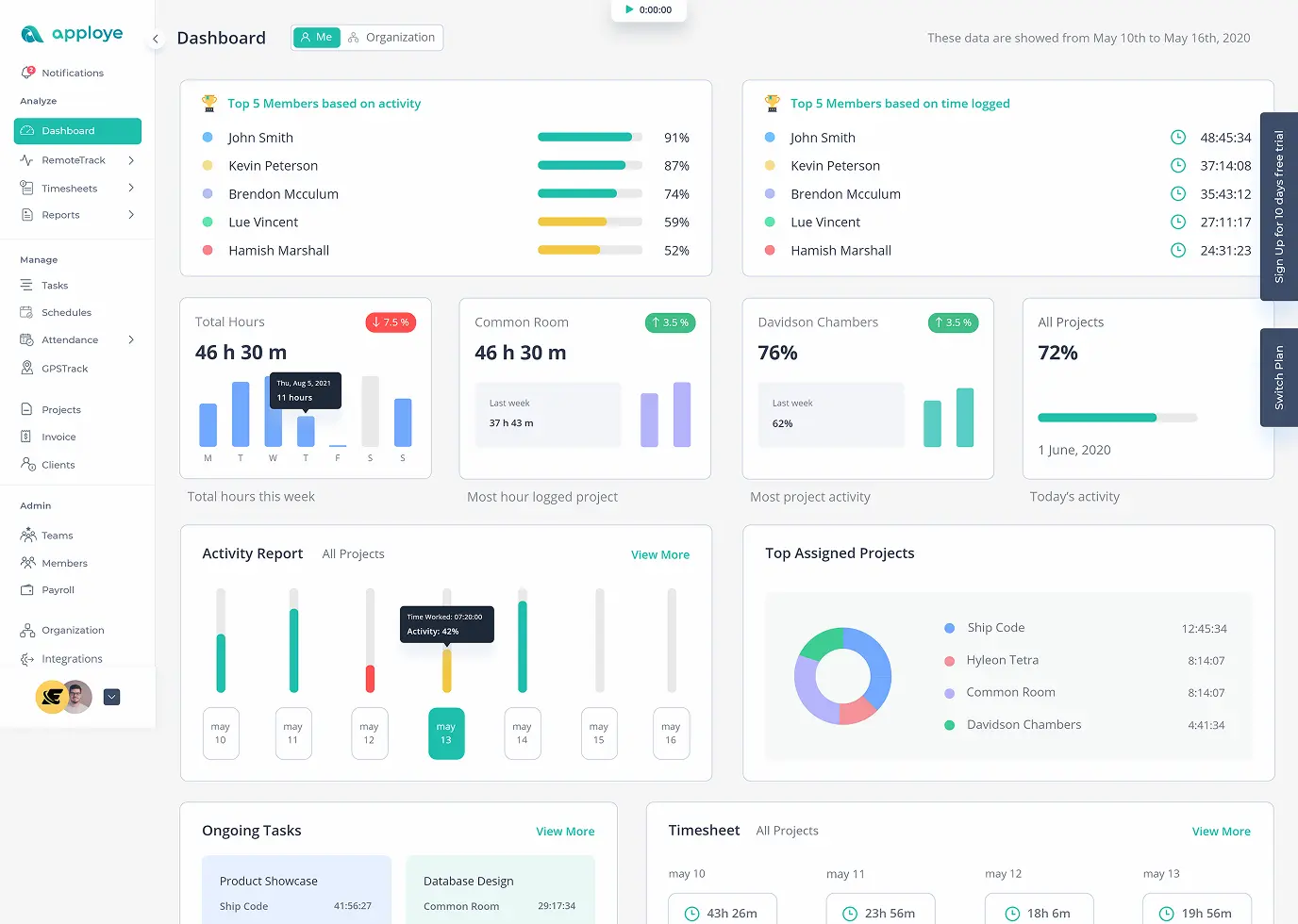
Apploye Dashboard - Employee Productivity Tracking

FAQs

What is employee monitoring software?

Employee monitoring software shows you how work actually gets done. It tracks time, apps, websites, and activity on work devices, then turns that into reports you can act on.

How does Apploye's employee monitoring work?

Your team installs the Apploye app on their device. It records time, activity levels, apps, and URLs while they work. That data then syncs to your dashboard, and you see live activity, timesheets, and reports.

Apploye has two apps. What's the difference?

Apploye's Interactive app has a start and stop button. Your team chooses when to track and which task to track. They stay in control. In contrast, the Silent app has no interface. It runs in the background whenever the computer is on and collects data.

Which app should I choose?

Choose the Interactive app for remote teams, contractors, and anyone using a personal device. And choose the silent app for company-owned devices used only for work, for example, offices, shift teams, and secure environments where tracking gaps are a risk.

Can I run both apps in one company?

Yes. Your office staff can run the silent app while your remote designers run the interactive one. One dashboard shows both.

Which devices does Apploye work on?

Apploye works on Windows, macOS, and Linux for desktop. iOS and Android for mobile. There's also a Chrome extension for one-click tracking from the browser.

How long does setup take?

Most teams are tracking the same day. There's no server to set up and nothing to configure on your network.

Can an employee pause tracking or uninstall the app?

With the interactive app, yes, they can stop the timer whenever they want. That's the point of it. And with the silent app, no. It runs while the device is on, and it can't be closed from the taskbar. Also, employees cannot uninstall it.

What happens when someone loses internet?

Tracking keeps running offline. The data syncs the moment they're back online.

Are screenshots optional?

Yes. Screenshots are a setting, not a requirement. Turn them off for the whole company or specific users, and Apploye still tracks time, activity, apps, and URLs.

How is our monitoring data protected?

Monitoring data is sensitive, and it's treated that way. Data is encrypted in transit and at rest. Access is controlled by role; admins, team managers, and project managers each see only what their role allows.

Who can see my team's activity data?

Only the people you allow can see my team's activity data. Apploye uses role-based access. You assign roles, for example, admin, team manager, project manager, user, and control who can view screenshots, reports, and activity.

Where is our data stored, and can we host it ourselves?

Apploye is cloud-hosted by default. For organizations with stricter rules, on-premises hosting is available. In that case, your monitoring data stays on your infrastructure.

Is employee monitoring software legal?

In most places, yes. But the rules change by country and state. The safe path is the same everywhere: write a monitoring policy, tell your team what you collect and why, and collect only what you need.

Is Apploye GDPR compliant?

Apploye is built to support GDPR obligations. But compliance isn't only about the tool. You also need to collect only what you need, tell your team, and set a retention period.

Can I try it before I pay?

Yes. Apploye has a 10-day trial, so you can try premium features for free.