






Free Absence Record Template (Excel and Google Sheets)

Download our free absence record template to keep track of employee absences in an organized spreadsheet.
The template is designed for HR teams, managers, small businesses, and anyone who needs a simple way to maintain employee absence records.
Download Employee Absence Record Template for Free
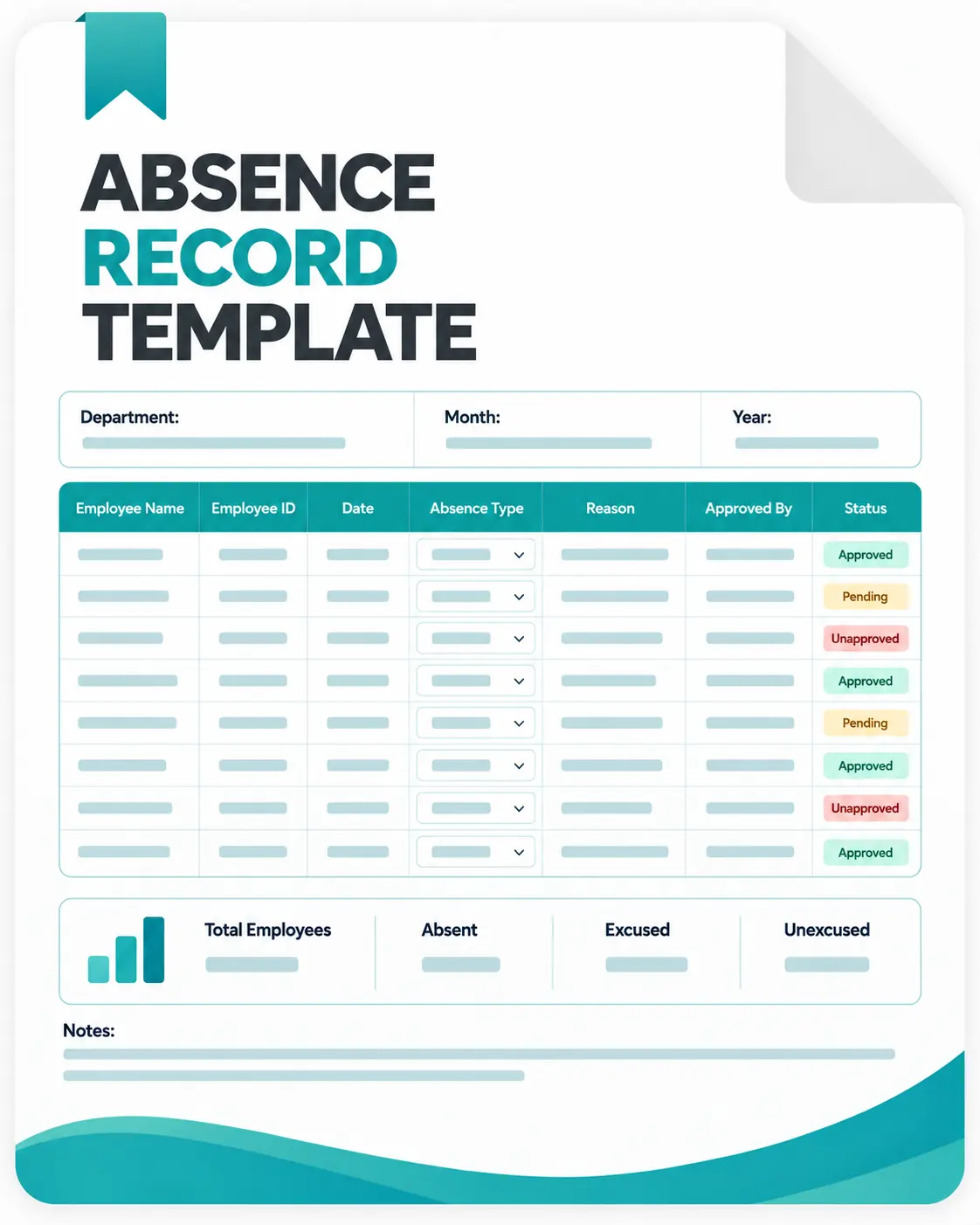
The template calculates the number of absence days automatically and provides a summary of absence records. You can use it to record:

Employee information
Absence dates
Absence types
Start and end dates
Number of days absent
Approval status
Relevant notes
Approver information
What Is an Absence Tracking Template?
An absence tracking template is a ready-made document used to record employee absences and leave information.
Instead of creating an absence tracking spreadsheet from scratch, you can download the template, add your employee information, and start recording absences.
A typical employee absence record includes the date of absence, type of leave, duration, approval status, and notes.
Businesses can use this template to maintain a consistent history of employee absences and make attendance information easier to review.
Why Use an Employee Absence Tracker?
Keeping a consistent employee absence tracker helps you organize attendance information and understand how much time employees have been away from work.
An absence record can help you:
Keep your employee absence information organized
- Record different types of leave
- Track the duration of absences
- Review approved and pending absences
- Maintain a history of employee absences
- Prepare information for administrative processes
- Review attendance patterns over time
- Keep employee records consistent
A spreadsheet can be a practical solution for a small team with straightforward absence tracking needs.
As the number of employees and absence requests grows, maintaining these records manually can take more time.

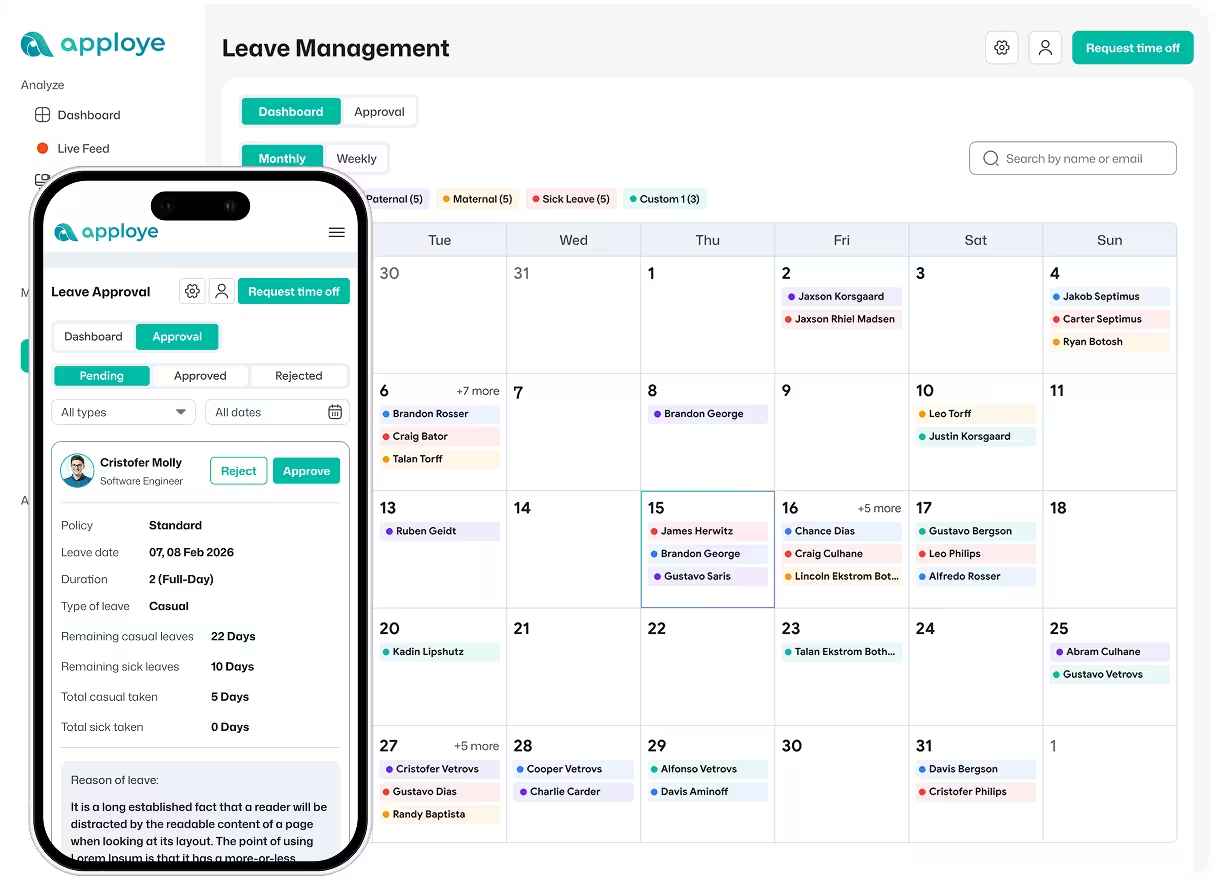
Download Free Leave Management Software
Your all-in-one solution for tracking FMLA, vacation, sick leave, and paid time off in today's workplace.
What Should an Employee Absence Tracker Template Include?
A useful employee absence tracker should contain the information needed to understand when an employee was absent and how the absence was handled.
Important fields include:
- Employee Information: It should include record details such as the employee's name, ID, department, and manager.
- Absence Date: An absence record should collect the date or period when the employee was absent.
- Absence Type: The report should help identify the type of absence, such as sick leave, vacation, personal leave, or unpaid leave.
- Duration: Record the start and end dates and calculate the total number of absence days.
- Approval Status: Track whether an absence request is pending, approved, or rejected.
- Notes: Add relevant administrative notes when necessary.
- Approver: Record the manager or person responsible for approving the absence.
You can customize these fields based on your company's policies and absence tracking process.
Common Types of Employee Absence
Your employees can be absent for different reasons. For example:
- Sick Leave: Record time away from work because of illness or medical appointments.
- Vacation Leave: Track planned vacation and other approved time off.
- Personal Leave: Record approved absences for personal reasons.
- Emergency Leave: Track unexpected absences caused by emergencies.
- Unpaid Leave: Record approved time away from work that is not paid.
- Other Absence: Use this category for absence types that do not fit your standard categories.
Your organization may use different leave categories depending on its policies and applicable employment requirements.
How to Use the Employee Leave Record Template
You can start using the leave record template in a few simple steps.
Step 1: Add employee information
Enter the employee's name, ID, department, manager, and record period.
Step 2: Record the absence
Enter the date or absence period for the employee.
Step 3: Select the absence type
Choose the appropriate absence category from the dropdown list.
Step 4: Enter the absence dates
Add the start and end dates. The template automatically calculates the number of days absent.
Step 5: Add the approval status
Select whether the absence is pending, approved, or rejected.
Step 6: Add notes and approval information
Use the notes field for relevant administrative information and record who approved the absence.
Step 7: Review the absence summary
Use the summary section to review total absence days and the number of pending, approved, and rejected absence records.
Download Absence Tracking Template for Free
The template calculates the number of absence days automatically and provides a summary of absence records. You can use it to record:
Employee information
Absence dates
Absence types
Start and end dates
Number of days absent
Approval status
Relevant notes
Approver information
Who Can Use an Absence Tracking Template?
An employee leave tracking template can be useful for:
- Small businesses
- HR teams
- Office managers
- Team managers
- Startups
- Remote teams
- Agencies
- Growing businesses
- Organizations that need basic absence records
It can also be useful for businesses that are moving from informal absence tracking to a more structured record-keeping process.
Benefits of Using an Absence Record Template
A structured template can make basic absence tracking easier.
- Save Time: Start with predefined fields instead of building an absence spreadsheet from scratch.
- Keep Records Consistent: Use the same structure for every employee and absence record.
- Reduce Manual Calculations: The template calculates the number of absence days based on the start and end dates.
- Track Approval Status: See which absence records are pending, approved, or rejected.
- Review Absence History: Keep employee absence information together so it is easier to review.
- Customize It for Your Team: Add or change fields to match your organization's absence and leave process.
Absence Record Template vs. Employee Leave Tracking Software
An Absence Record Template is useful when you need a simple way to maintain employee absence information.
But a spreadsheet depends on people entering and updating information manually.
For a small team with occasional absences, that may be enough. However, a growing team may need a more automated way to manage attendance, time off, schedules, and work hours.
| Absence Record Template |
|
|---|---|
| Record absences manually | Manage attendance digitally |
| Enter absence dates manually | Employees can submit time off requests |
| Maintain spreadsheet records | Centralize employee attendance data |
| Manually review absence information | Review attendance from a central dashboard |
| Update records yourself | Employees can record their own time |
| Basic absence history | Attendance and time off information together |
| Manual reporting | Attendance reports |
| Separate spreadsheet | Centralized employee records |
